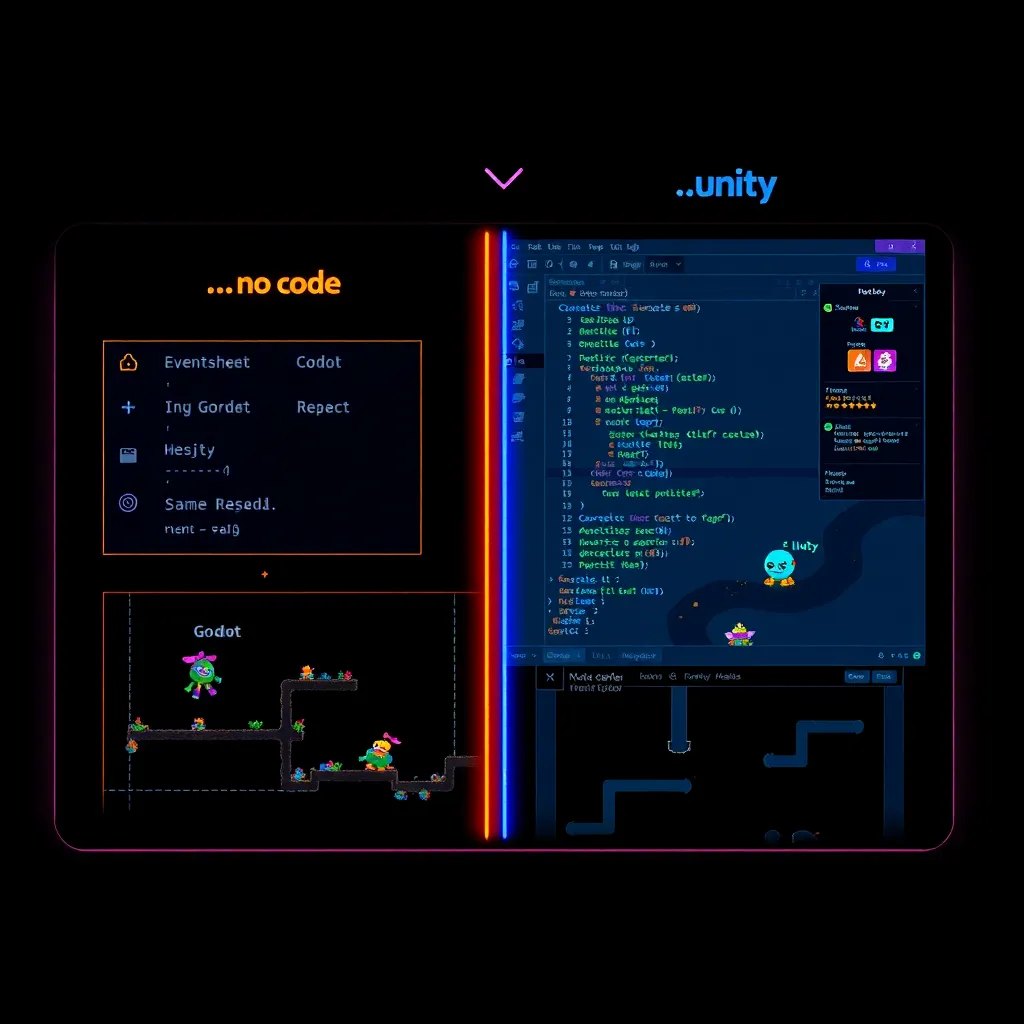
GDevelop vs Godot vs Unity: Best AI Game Engine?
GDevelop vs Godot vs Unity: Best AI Game Engine?
The best AI game engine for beginners depends on what you want AI to help you do. Choose GDevelop for a no-code start, Godot for learning and owning your code, or Unity for a widely documented commercial workflow. This comparison focuses on the decision you face before building your first playable game.
How We Tested
This review is based on official documentation, pricing pages, and published product information — we did not run the tools ourselves. We checked each vendor’s stated workflow, licensing information, and learning resources, then mapped them to beginner goals. We did not test paid, enterprise, performance, or platform-specific features. Last reviewed: August 2026.
Which engine is best for beginners using AI?
GDevelop is the easiest starting recommendation for beginners who want visual game logic, Godot is the strongest learning recommendation for code ownership, and Unity is the broadest commercial option. That recommendation comes from the documented workflows and licenses linked below, not from hands-on benchmarks. Your choice should follow the kind of help you want from AI.
AI can explain a design, draft code, suggest debugging steps, or help plan assets in any engine. It cannot replace your responsibility for testing the result. Pick the editor whose output you can read and correct.
GDevelop vs Godot vs Unity: what is the difference?
GDevelop is a no-code engine, Godot is a free and open-source 2D and 3D engine, and Unity is a commercial engine with a free Personal tier for eligible users. Those descriptions come from GDevelop’s official site, Godot’s official documentation, and Unity’s Personal product page.
| Question | GDevelop | Godot | Unity |
|---|---|---|---|
| Main workflow | Visual events and no-code tools | Scene editor plus scripting | Scene editor plus scripting |
| Useful beginner fit | Build logic without starting with syntax | Learn programming while making a game | Follow a larger commercial learning ecosystem |
| Official licensing signal | Free and open-source claims on its site | MIT license | Free Personal tier with eligibility terms |
| AI handoff | Ask AI for event logic or design steps | Ask AI for GDScript explanations and drafts | Ask AI for C# explanations and drafts |
GDevelop’s site describes support for 2D, 3D, multiplayer, and publishing. Godot’s documentation presents beginner paths for people who want to make a game, while Godot’s license page explains its permissive MIT terms and the notice requirement when redistributing the engine. Unity’s official page describes Unity 6, Unity Learn, and the Asset Store alongside its Personal tier.
For a wider tour of options, browse our guide to AI game frameworks. It is more useful to compare workflows than to copy a popularity ranking.
Which engine is best for a no-code AI workflow?
GDevelop is the best fit for a no-code AI workflow because its official positioning centers on visual, event-based game creation rather than requiring beginners to begin with a programming language. That makes it a practical place to turn an AI-generated design into conditions, actions, scenes, and variables you can inspect in the editor.
A useful prompt is: “Design a small top-down game as event-sheet logic. List the player variables, collision conditions, enemy actions, and win condition. Do not invent engine-specific buttons; explain each event in plain language.” Treat the answer as a draft, then recreate and test each event yourself.
The tradeoff is educational: visual logic can get you moving before syntax does, but it does not remove the need to understand state, input, collisions, and feedback. GDevelop’s current pricing page is the place to check plan details before publishing.
Which engine gives you the most control over code?
Godot gives beginners the clearest code-ownership path among these three choices because its official license is MIT and its documentation openly presents the engine as free and open source. That does not make every project simpler, but it gives learners a direct route from AI-generated code to code they can inspect, modify, and keep.
Godot’s documentation includes a beginner introduction and step-by-step material. Ask AI to explain one small GDScript function at a time, then change a single variable and observe the result. This loop is safer than asking for an entire game and pasting an opaque answer into a project.
Unity also supports code-based development and provides Unity Learn as an official learning resource. Unity Personal is described as free for individuals and small organizations below its stated revenue and funding threshold; read the current eligibility terms before releasing a commercial project.
Our earlier GDevelop review and Godot engine review cover each product separately. This comparison is about choosing between them.
What should you choose for your first game?
Choose GDevelop when your immediate goal is a small playable prototype without beginning with code, Godot when learning programming is part of the goal, and Unity when its commercial tools and learning ecosystem match your intended project. These are workflow recommendations, not performance test results.
Use this checklist:
- Choose GDevelop if visual events feel easier to verify than scripts.
- Choose Godot if you want AI to teach you programming as you build.
- Choose Unity if its official learning path and Asset Store fit your project.
- Start with one mechanic, one scene, and one measurable win condition.
- Ask AI for small explanations and diffs, not an unreviewed full project.
Whichever engine you choose, publish a tiny first milestone: a player that moves, one interaction, and a clear restart path. You can then explore our playable browser games to see how focused mechanics become complete experiences.
FAQ
Is GDevelop good for beginners using AI?
GDevelop is a good beginner option when you want visual game logic and do not want your first milestone to depend on writing scripts. Its official site describes it as a free, open-source, no-code engine with 2D, 3D, multiplayer, and publishing capabilities. Review its current plan details before choosing a publishing workflow.
Is Godot free for commercial games?
Godot can be used commercially under its MIT license, provided you follow the license notice requirements for redistributed engine software. The official Godot license page explains that creators retain rights to their game content and should include the copyright notice and license statement when distributing the engine with a game.
Is Unity Personal free for a beginner?
Unity Personal is presented as a free Unity tier for eligible individuals and small organizations, with eligibility based on the revenue and funding terms on Unity’s current product page. Read Unity Personal’s official terms before release, and use Unity Learn for the structured beginner material.
Final recommendation
Start with GDevelop if finishing a small visual prototype is your priority, Godot if learning code is the priority, and Unity if its documented commercial ecosystem is the priority. AI is most useful when it narrows the next step, explains an error, and helps you verify a change. The engine should make that loop understandable.