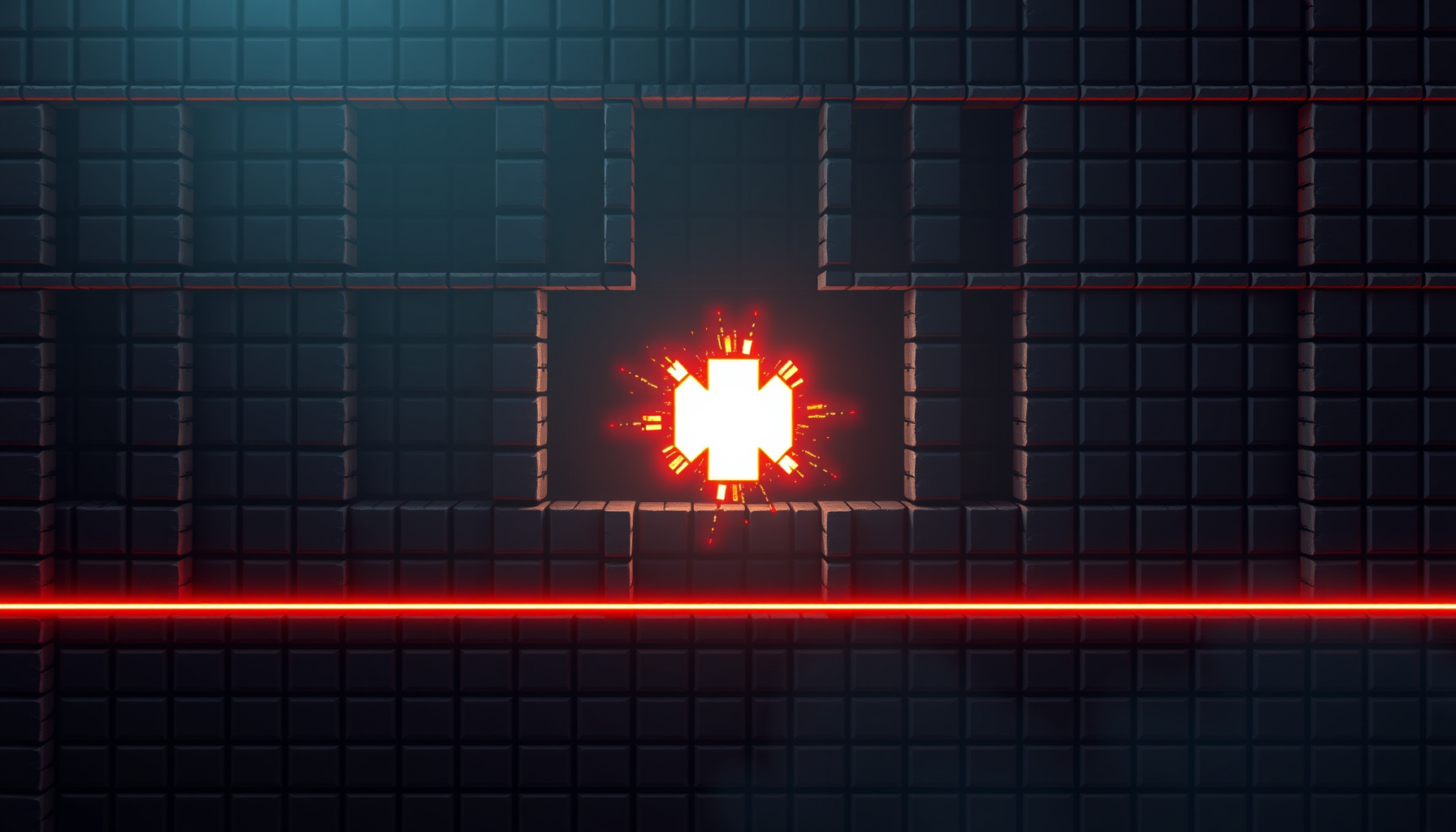
Build a Bomberman-Style Grid Bomber in Phaser 3: One File, No Art Assets
Build a Bomberman-Style Grid Bomber in Phaser 3: One File, No Art Assets
You do not need a physics engine, an art pipeline, or a build step to make a game people will actually play — you need a grid, a timer, and a tween. In this tutorial we build a complete Bomberman-style grid bomber in one HTML file that loads Phaser 3.90.0 from a CDN and draws every sprite procedurally.
How this post was written. This tutorial is part of the aigamingdev.com game-development series and pairs with the runnable prototype at
/games/bomberman-style-grid-bomber-phaser.html. Every mechanic described here matches that file’s fixed specification. Historical claims come from the Wikipedia articles cited inline, and engine claims come from the official Phaser 3 documentation at docs.phaser.io. The prototype was built and smoke-tested in a headless Chromium probe; we did not benchmark it across devices. This tutorial is based on the original game’s documented mechanics and the official Phaser 3 documentation.
What We’re Building
We are building a single-file Bomberman-style grid bomber in Phaser 3.90.0 that runs with no downloaded art, no physics engine, and no build step: a 15×13 tile maze where you drop bombs, break bricks, grab power-ups, and hunt the exit while three enemies patrol.
The prototype loads Phaser 3.90.0 from the jsDelivr CDN and generates every texture at boot with Graphics.generateTexture, so there are zero image, audio, or sprite-sheet files (Phaser Graphics API). The playfield is 15 columns × 13 rows at TILE = 32px, which gives a 480×416 board plus a 48px HUD strip, for a 480×464 canvas. The config is exactly:
const config = {
  width: 480, height: 464,
  pixelArt: true, antialias: false,
  scale: { mode: Phaser.Scale.FIT, autoCenter: Phaser.Scale.CENTER_BOTH },
  scene: { preload, create, update }
};
Phaser.Scale.FIT preserves aspect ratio while filling the available space and Phaser.Scale.CENTER_BOTH centres the canvas (Phaser Scale Manager).
Pitfall — canvas scaling blur. If sprites look soft after resizing, texture interpolation is the cause. Fix: keep pixelArt: true and antialias: false so the procedural tiles render nearest-neighbour. The scale block handles layout — it fits and centres the whole canvas — but crispness comes from those two render flags, not from FIT itself.
For history, the genre started as Bomber Man (爆弾男), developed and published by Hudson Soft and first released in July 1983 for Japanese home computers including the NEC PC-8801, Sharp X1, and MSX, programmed by Yuji Tanaka; Europe received it in 1984 as Eric and the Floaters (Wikipedia: Bomber Man (1983)). The project itself began in 1980 as a tech demo for Hudson Soft’s BASIC compiler, and the NES/Famicom Bomberman followed on December 20, 1985, programmed by Shinichi Nakamoto, adding the power-up system (Wikipedia: Bomberman (1985)). Konami acquired Hudson Soft in 2011 and owns the franchise, which had sold over 43 million units worldwide as of 2011 (Wikipedia: Bomberman series).
The Grid Data Model
The playfield is not a physics world; it is one small array. We store the static cells as integer tile types — walkable, hard, or soft — and both the renderer and every rule read from that single source of truth, which keeps logic simple and bugs visible.
const TILE = 32, COLS = 15, ROWS = 13;
const WALK = 0, HARD = 1, SOFT = 2;
const grid = Array.from({ length: ROWS }, () => new Array(COLS).fill(WALK));
Bombs and flames are transient, so they live in two small side maps keyed by col,row instead of being rewritten into the grid. That keeps a bomb passable — you can stand on it and step off, exactly like the original — while the grid still answers “can I walk here?” in one lookup.
Build order matters: first the border ring of hard (indestructible) walls around the outside, then hard pillars at interior even/even grid intersections, then destructible soft bricks scattered randomly across the remaining free cells. The player spawns at column 1, row 1 with three tiles cleared of bricks, and three enemies start in distant corners.
Textures are baked once and reused:
const g = this.make.graphics();
g.fillStyle(0x334455).fillRect(0, 0, TILE, TILE);
g.generateTexture('hard', TILE, TILE);
The HUD is a 48px strip above the 416px board, showing score, lives, level, and the current bomb and fire counts.
Pitfall — integer grid drift. If the player slowly stops landing on tile centres, you are tweening float positions. Fix: always store integer col/row and derive pixels as x = col * TILE, y = row * TILE. Never add to sprite.x directly; the array stays the authority.
Grid Movement with Tweens
Movement happens one tile per keypress. We tween the sprite exactly 32 pixels over 140ms and hold an isMoving flag until the tween’s onComplete callback fires, so a second input cannot start mid-step; Phaser.Input.Keyboard.JustDown makes held arrow keys fire only once.
const k = cursors.left;
if (this.isMoving || !Phaser.Input.Keyboard.JustDown(k)) return;
if (!this.canWalk(col - 1, row)) return;
this.isMoving = true;
this.tweens.add({
  targets: this.player, x: (col - 1) * TILE, y: row * TILE,
  duration: 140, ease: 'Linear',
  onComplete: () => { this.isMoving = false; }
});
Keys are the arrow keys and WASD, polled the same way. Phaser.Input.Keyboard.JustDown(key) is true only on the frame a key transitions to down, so held keys do not re-trigger (Phaser Keyboard Input). this.tweens.add({ targets, x, y, duration, ease, onComplete }) runs the step, and onComplete is where movement is released after each grid step (Phaser Tweens).
- Pitfall — tween overlap. Two tweens on one sprite fight, and the sprite lands between tiles. Fix: gate every step behind
if (this.isMoving) return;and clear the flag only insideonComplete. - Pitfall — key-repeat. Reading
cursors.left.isDowninupdategives you a burst of steps. Fix: wrap each check inPhaser.Input.Keyboard.JustDown(key)so a held key yields exactly one move.
Bombs, Fuses, and Cross-Blast Propagation
Bombs use a 3.0 second fuse built with this.time.delayedCall, then explode into a cross reaching two tiles in each direction. Hard walls stop the flame, soft bricks are destroyed, enemies and the player die, and any bomb adjacent to the flame chain-detonates immediately. Flames stay visible about 450ms.
placeBomb() {
  if (this.bombs.length >= this.bombCount) return; // starts at 1
  const b = { col: this.col, row: this.row, detonated: false };
  this.bombs.push(b);
  this.time.delayedCall(3000, () => this.detonate(b));
}
this.time.delayedCall(delay, callback) fires once after a delay in milliseconds — ideal for bomb fuses (Phaser Time). The player starts with a bomb capacity of one (bombCount = 1); the +1 bomb pickups raise that cap up to a maximum, and Space places a bomb whenever the field holds fewer than the cap. Blast range is 2 tiles per arm.
The blast walks outward from the bomb centre in four directions, stopping the loop at a hard wall, destroying a soft brick and stopping there, and adding any flame cell to a queue that triggers a chain detonation for adjacent bombs. Each bomb carries a detonated flag, so a chain reaction cannot detonate the same bomb twice. Cells become flames, are drawn for roughly 450ms, then clear. The blast kills enemies and kills the player — including the player’s own bomb.
Pitfall — a placed bomb blocking its own placer. If you make the bomb’s tile solid the instant it is created, you trap yourself in the corner. Fix: keep bombs passable, as the original does — track them in a side map and let the player step off before the blast arrives rather than writing BOMB into the grid.
Soft Blocks, Power-ups, and the Hidden Exit
Soft bricks are scattered randomly over free cells after the border ring and even/even hard pillars are placed, and the player’s spawn area gets three tiles cleared. Some bricks hide +1 bomb and +1 blast range upgrades, and exactly one random brick hides the level exit.
if (grid[row][col] === SOFT) {
  grid[row][col] = WALK;
  const hidden = brickLoot.get(`${col},${row}`);
  if (hidden === 'bomb')   this.bombCount += 1;
  if (hidden === 'range')  this.range      += 1;
  if (hidden === 'exit')   this.revealExit(col, row);
}
The loot table is assigned before any brick is drawn, so the exit sits under exactly one randomly chosen brick. The original core loop works this way: a single-screen grid maze, bombs with timed fuses, a cross-shaped blast that kills enemies and destroys destructible blocks but is stopped by hard blocks, an exit hidden under a block, and bonus items hidden inside blocks (Wikipedia: Bomber Man (1983)). The 1985 NES sequel expanded those bonuses into a full power-up system that grows blast range and bomb count (Wikipedia: Bomberman (1985)).
A level is won by destroying every enemy and then stepping on the revealed exit — order matters, because stepping on a still-hidden exit does nothing. Losing a life happens from a blast or from touching an enemy. The game runs 3 lives across 3 levels, and enemies speed up each level.
Enemy AI
Enemies patrol the grid and accelerate with each level, but they never cheat: they only move between walkable cells, so the same array that governs the player governs them. A blast or a body contact costs one life, and all three enemies must fall before the exit can be used.
moveEnemy(e) {
  const opts = this.neighbours(e.col, e.row)
    .filter(([c, r]) => grid[r][c] === WALK);
  if (!opts.length) return;
  const [c, r] = Phaser.Utils.Array.GetRandom(opts);
  // tween for this level's enemy duration, then repeat
}
Each enemy starts in a distant corner and picks from its walkable neighbours on a timer whose duration shrinks as the level number rises. From level 2, some enemies become chasers that bias their choice toward the player’s row or column when one is walkable, though they still respect the grid. Because enemies consult grid, a wall of soft bricks or a freshly placed bomb genuinely blocks them — no separate collision pass is needed. Blast kills are checked by comparing each enemy’s col/row against the flame map the moment a flame spawns.
Touch/Mobile Controls
Mobile support is pointer input, not a separate build. We register two extra pointers with this.input.addPointer(2), read swipe direction from pointer down/up deltas, and draw an on-screen d-pad plus a bomb button from the same procedural textures as the tiles, so phones and tablets can play the identical file.
this.input.addPointer(2);
this.input.on('pointerup', p => {
  const dx = p.x - p.downX, dy = p.y - p.downY;
  if (Math.max(Math.abs(dx), Math.abs(dy)) < 24) return; // tap
  if (Math.abs(dx) > Math.abs(dy)) this.tryStep(dx > 0 ? 1 : -1, 0);
  else this.tryStep(0, dy > 0 ? 1 : -1);
});
The d-pad buttons call the same tryStep(colDelta, rowDelta) used by the keyboard, and the bomb button calls placeBomb() — one code path, two input sources. addPointer(2) adds two extra pointers on top of the default, so a player can hold the d-pad and tap the bomb button at once. On-screen controls live over the canvas, so Scale.FIT keeps them aligned with the tiles at any window size (Phaser Scale Manager).
FAQ
Three quick answers to the questions the code above raises: whether you need a physics engine, why the maze can look blurry when it is scaled, and why holding an arrow key sometimes fires exactly once and sometimes seems to repeat.
Do I need Arcade or Matter physics for a Bomberman clone?
No. The prototype uses neither Arcade nor Matter. Collision is a logical 2-D grid array — walkable, hard, soft — plus two side maps for bombs and flames, so “can I step here?” is one array lookup instead of an overlap test. Bombs, flames, brick destruction, and enemy blocking all read the same data, which is why the rules stay consistent.
Why does my scaled canvas look blurry?
Because texture interpolation is on at the render layer. Fix: set pixelArt: true and antialias: false. The scale block (Phaser.Scale.FIT with autoCenter: Phaser.Scale.CENTER_BOTH) only handles layout — it fits the canvas to the window and centres it (Phaser Scale Manager). Crispness comes from the two render flags, which keep the 32px tiles nearest-neighbour at any size.
Why does holding an arrow key move me once, or ten times?
It depends on how you poll. Reading key.isDown each frame repeats the move; Phaser.Input.Keyboard.JustDown(key) is true only on the frame a key transitions to down, so a held key fires exactly once (Phaser Keyboard Input). The isMoving lock then ignores any further input while a step tween is running, so one step finishes before the next can begin.
What You Learned
You built a complete game loop around a plain two-dimensional array: tile-based rendering, tweened one-tile movement with a lock, timer-driven bombs with chain reactions, destructible bricks, hidden pickups, a hidden exit, simple enemy AI, and touch controls — all in one file with no physics engine and no downloaded assets.
The five things worth remembering from the build:
- Tween overlap — lock movement with
isMovingand release it inonComplete. - Integer grid drift — store integer
col/row, derive pixels ascol * TILE. - Key repeat — wrap input in
Phaser.Input.Keyboard.JustDown. - Canvas scaling blur — set
pixelArt: trueandantialias: false;FIT/CENTER_BOTHhandle layout, not crispness. - A bomb trapping its placer — keep bombs passable and let the player step off before the blast arrives.
From here, the natural next steps are adding a second enemy behaviour, animating the flame with a short texture swap, or writing a level generator that guarantees a path from spawn to exit. Open /games/bomberman-style-grid-bomber-phaser.html, change one constant, and watch the maze respond — that feedback loop is how grid games get good.