Build an Idle Tycoon Game in Phaser.js: A Beginner Tutorial
Picture a game that keeps working after you stop. You click a button, buy a miner, close the laptop — and the next morning the miner has kept digging all night. That quiet, compounding appeal is why idle games are such a satisfying genre to build: the entire magic trick is timers, multiplication, and a timestamp.
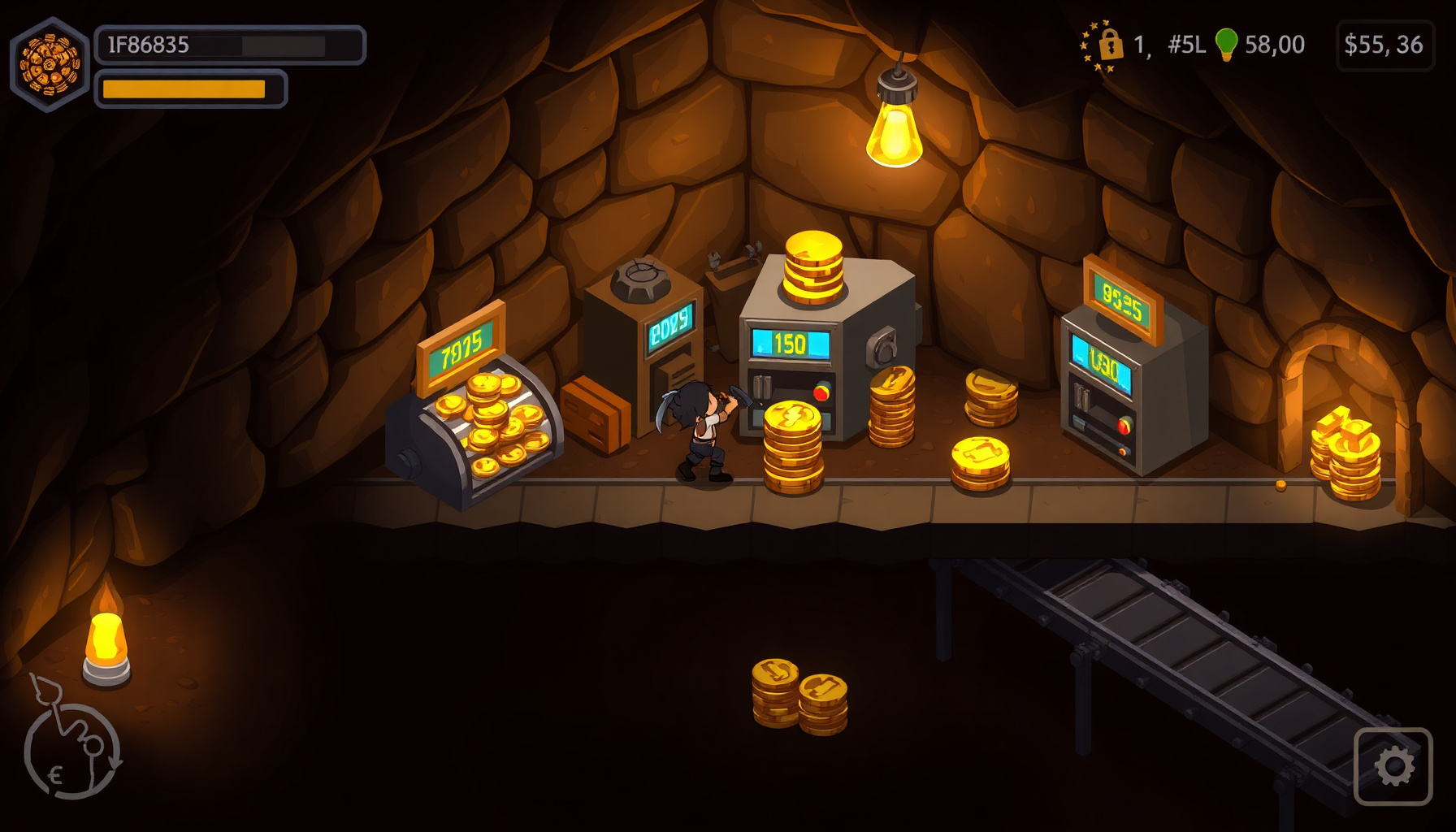
In this tutorial you’ll build a complete idle tycoon game in Phaser.js, in a single file and a single scene. You get a manual click that earns coins, three generators that earn while you ignore the button, one upgrade that changes how clicking pays, costs that rise with every purchase, and offline earnings that greet you with a “welcome back” payout when you return. The finished game is playable in the embed directly below this intro.
You need only three things: a browser, a basic grasp of JavaScript (variables, functions, objects), and the willingness to change numbers to see what happens — because in this genre, tuning is half the fun.
How this tutorial was built. The game uses Phaser, pinned to version 3.90.0 and loaded from the same jsDelivr CDN URL as the other playable games on this site, so the embed matches the snippets you’ll copy. The timer code was written against Phaser’s Time concept page and the TimerEvent API reference (the reference is Phaser 4 docs; the members used here are marked since 3.0), and the genre definitions come from Wikipedia’s idle games article. The in-game visuals are plain geometric shapes and text. The tuning numbers here — generator costs and payouts, the 1.15 cost multiplier, the 8-hour offline cap, the 250-coin upgrade price — are our choices, not researched standards, so you can change them.
▶ Play it first: the embed below is the exact game this tutorial builds. Click the big green button, buy a Miner, then come back tomorrow and reopen the page to watch offline earnings arrive.
What Is an Idle Game?
The genre has an actual definition, which is rarer than you’d think. According to Wikipedia’s idle games article, incremental games are “characterized by the incremental accumulation of in-game resources, and gradual, often exponential progression through repetitive actions or automation.” Translated out of encyclopedia-speak: the numbers go up, and the speed at which they go up also goes up.
The same article splits the genre by input style. Games that emphasize active input — tapping a button over and over — are also called clicker games, while games centered on automation and progress that continues with minimal player interaction are called idle games, and many games combine both elements. Ours does exactly that: you begin with a single manual click, and you finish with a small economy that plays itself.
One sentence of context, from the same article: incremental games gained popularity in 2013 after the success of Cookie Clicker. The loop that made the genre click — tap, buy a helper, let the helpers out-earn your tapping — maps neatly onto a handful of Phaser timer objects, as the rest of this tutorial shows.
The Idle Game Loop
Before any code, here is the complete design. Every piece is small on purpose, so the whole loop stays hold-in-your-head simple.
One Resource: Coins
We chose a single currency: coins. One number to watch, one pile to grow, and no exchange rates to explain. For a first build, one resource keeps every system legible, and the structure below makes adding a second one straightforward later.
Three Generators
Generators are the heart of the genre: things you buy once that keep paying forever. Ours are three mining machines, and the names, base costs, payouts, and intervals are all design choices we picked for readable pacing — not researched values.
| Generator | Base cost | Pays | Every | Effective rate |
|---|---|---|---|---|
| Miner | 10 | +1 | 1.0 s | 1/sec |
| Drill | 100 | +4 | 0.5 s | 8/sec |
| Quarry | 1,000 | +100 | 2.0 s | 50/sec |
In our build, each purchased unit runs as its own independent, repeating timer — buy five Miners and you own five separate timers that each pay +1 coin per second. That one-to-one mapping between “a generator” and “a Phaser Timer Event” is the technical core of this tutorial.
One Upgrade
The Reinforced Pickaxe is the game’s only upgrade: a one-time purchase, priced at 250 coins by our choice, that doubles your tap payout from 1 to 2 coins. It’s worth including even in a tiny build because it behaves differently from a generator: instead of adding a rate, it changes a rule. That distinction teaches the pattern you’d reuse for dozens of upgrades later.
Cost Scaling: A Design Choice
Per Wikipedia’s idle games article, incremental games “frequently feature rapidly escalating costs and rewards.” That general pattern is the genre convention; our specific multiplier is not. Each purchase raises the next cost of that generator to round(base × 1.15^owned), so a second Miner costs 12 coins, a third 13, and so on. We picked 1.15 as a tuning knob because it produces steady pacing in a game this small. Treat it exactly that way: raise it to 1.2 for slower, more deliberate pacing, or drop it toward 1.1 if you want everything to feel affordable sooner.
Offline Earnings
Wikipedia’s idle games article says AdVenture Capitalist was one of the first games with an offline earning system, which “tracks a player’s progress while the game is not running” — unlike earlier browser-based idle games, which only advanced while open in a browser window. Our version is the simplest useful form: every save stores a timestamp, and on load we compute the elapsed wall-clock seconds, then pay out coins-per-second × elapsed. A changed system clock can distort that payout, so treat this as the simplest form, not a hardened one. Nothing simulates while you’re away; the absence is collapsed into one payment the moment you return.
What We’re Deliberately Skipping: Prestige
Some incremental games add prestige: per Wikipedia, a mechanic that lets players reset their progress in exchange for advantages in subsequent playthroughs, typically permanent rewards or bonuses that persist across all future runs. Our game is prestige-free by choice. A single continuous run keeps the code, the UI, and this tutorial focused on the core loop. The door stays open — once the loop below makes sense, a prestige layer is mostly a button, a reset, and a bonus multiplier — but nothing in this build resets, ever.
Code Walkthrough: The Whole Loop in One Scene
Everything lives in one scene, GameScene, and the snippets below are lifted straight from the playable embed near the top of this post. We’ll go top to bottom.
Setup: Phaser 3.90.0, Scale.FIT, and CENTER_BOTH
This tutorial uses Phaser 3.90.0, loaded with this exact script tag:
<script src="https://cdn.jsdelivr.net/npm/phaser@3.90.0/dist/phaser.min.js"></script>Why pin an exact version? The Phaser project’s GitHub releases page currently lists a newer major version, and 3.90.0 is what every snippet in this post uses — pinning keeps the copy-paste experience predictable.
The scale settings are a design choice for blog embedding: Phaser.Scale.FIT shrinks or grows the canvas to fit whatever container it’s given, and Phaser.Scale.CENTER_BOTH keeps it centered in that container. The 800×500 canvas size is simply what fit our layout:
const config = {
  type: Phaser.AUTO,
  width: 800,
  height: 500,
  parent: 'game',
  backgroundColor: '#10173a',
  scale: {
    mode: Phaser.Scale.FIT,
    autoCenter: Phaser.Scale.CENTER_BOTH
  },
  scene: [GameScene]
};
The HUD and the Click Button
In our build, the interface is mostly text and simple shapes: a big coin counter, a coins-per-second line, colored rectangle buttons, and progress bars. Buttons are Rectangle game objects made interactive, and each buy button prints the generator’s name, its current cost, and its rate — then dims (we lower its alpha) whenever the player can’t afford it, which doubles as afford-state feedback.
this.coinsText = this.add.text(400, 42, '', {
  fontSize: '34px', color: '#ffd93d', fontStyle: 'bold'
}).setOrigin(0.5, 0);

this.clickBtn = this.add.rectangle(150, 200, 220, 120, 0x2e9e5b)
  .setStrokeStyle(3, 0x1c6b3a)
  .setInteractive({ useHandCursor: true });

this.clickBtn.on('pointerdown', () => {
  this.coins += this.clickValue;   // 1, or 2 after the upgrade
  this.refreshHud();
});
Generators with Timer Events
This is the section the whole genre rests on, so it’s worth being precise. Per Phaser’s documentation, “Every Scene has an instance of the Clock class,” which keeps track of elapsed time and lets you create Timer Events — and a Timer Event, per the TimerEvent API reference, “represents a delayed function call” managed by that Clock, one that can “optionally repeat … or loop indefinitely.” An idle generator is exactly that: a function that pays coins, looping forever on a delay.
The delay is in milliseconds — the TimerEvent API reference defines delay as “the delay in ms at which this TimerEvent fires” — so the Miner’s one-second cycle is delay: 1000. Here is the exact pattern from the game file:
addTimer(def) {
  const timer = this.time.addEvent({
    delay: def.delay,        // milliseconds
    callback: () => { this.coins += def.pay; },
    callbackScope: this,
    loop: true               // fires forever
  });
  this.genTimers[def.key] = timer; // newest unit's timer
  return timer;
}
Besides delay, callback, callbackScope, and loop, the documented Timer Event config also accepts args, repeat, startAt, timeScale, and paused. Two you’ll actually reach for: repeat: 5 fires the callback six times and then stops — handy for limited-time boosts — and timer.paused = true freezes an individual generator without destroying it, a clean foundation for future “maintenance” mechanics.
The game file also uses the docs’ inspection methods as an optional flourish: timer.getElapsed() returns elapsed milliseconds, and timer.getProgress() returns elapsed ÷ delay as a 0-to-1 fraction, which drives the little green progress bar under each buy button.
One gotcha to memorize: per the docs, Phaser throws an error if you set delay: 0 together with repeat > 0 or loop: true. A forever-loop with no interval is a contradiction, and Phaser refuses it. Our fastest generator runs at 500 ms, and every delay in the file is positive, which keeps us clear of that rule.
The Cost Formula
Costs grow inside each generator’s own purchase history, not globally:
costOf(def) {
  // 1.15 is our tuning choice — try 1.2 for slower pacing
  return Math.round(def.base * Math.pow(1.15, this.owned[def.key]));
}
With owned = 0 you pay the base cost; every purchase increments the exponent, so the tenth Quarry costs meaningfully more than the first. In our build, the multiplier compounds per unit, so prices pull away from linear income as you buy more. Change the 1.15 and you change the game’s tempo; no other code needs to know.
Saving State and Computing Offline Earnings
localStorage is the browser’s built-in, persistent key-value store — perfect for a save file this small. Our save object is { coins, owned, upgradeBought, ts }, where ts is a Date.now() timestamp. We write it every two seconds (with — what else — a looped Timer Event) and also on visibilitychange and beforeunload, so closing the tab captures a fresh timestamp.
On load, offline earnings are a few lines of arithmetic:
const elapsed = Math.max((Date.now() - data.ts) / 1000, 0); // seconds away
const grant = Math.floor(
  this.coinsPerSecond() * Math.min(elapsed, OFFLINE_CAP_SECONDS)
);
if (grant > 0) {
  this.coins += grant;
  this.showToast('Welcome back! You earned ' +
    this.fmt(grant) + ' coins while away.');
}
The 8-hour cap (OFFLINE_CAP_SECONDS = 28800) is a design choice — it keeps long absences from trivializing the early game, but pick any number you like. The welcome-back toast only appears when the grant is above zero, so someone who closed the tab for ten seconds isn’t congratulated for nothing.
What You Learned
You built a complete idle tycoon from one scene: a Clock-driven economy where looped Timer Events are the generators, a one-time upgrade rewrites the click rule, and a per-purchase exponent gates your growth. You saved the whole state to localStorage on a short interval, and turned a saved timestamp plus wall-clock time into a capped offline payout with a welcome-back message.
If you want homework ideas: more generators and more upgrades are near copy-paste exercises with this structure, timeScale is a fun key to build speed-boost upgrades on, and prestige is the classic next mechanic when you want runs to end. The loop you have now is the foundation for all of them.
FAQ
What’s the difference between an idle game and a clicker game?
Following Wikipedia’s framing: clicker games emphasize active input, idle games center on automation and progress that continues with minimal interaction, and many incremental games combine both. Ours does both at once — before your first generator it’s a pure clicker, and by the time you own a few drills and quarries it’s an idle game where clicking is a bonus, not the job.
Why does Phaser throw an error when a looping timer has a delay of 0?
Because the combination is self-contradictory: Phaser’s documentation says an error is thrown when delay: 0 is used with repeat > 0 or loop: true. A looping timer promises to fire forever at an interval — with a zero interval, there is no interval. Give the Timer Event a positive millisecond delay (even something tiny like 16 ms), or if you genuinely want per-frame payouts, accumulate coins inside the Scene’s update() loop instead.
How do idle games earn resources while the game is closed?
Wikipedia’s idle games article says AdVenture Capitalist was one of the first games with an offline earning system that tracks progress while the game is not running, unlike earlier browser-based idle games, which only advanced while the page was open. Our implementation collapses the absence into one payment: the save file stores a Date.now() timestamp, and on the next load we compute elapsed seconds and pay coins/sec × elapsed, capped at 8 hours by our design choice. If you’d rather cap at 2 hours or pay out at half efficiency, it’s the same few lines with different constants — the timestamp pattern doesn’t change.