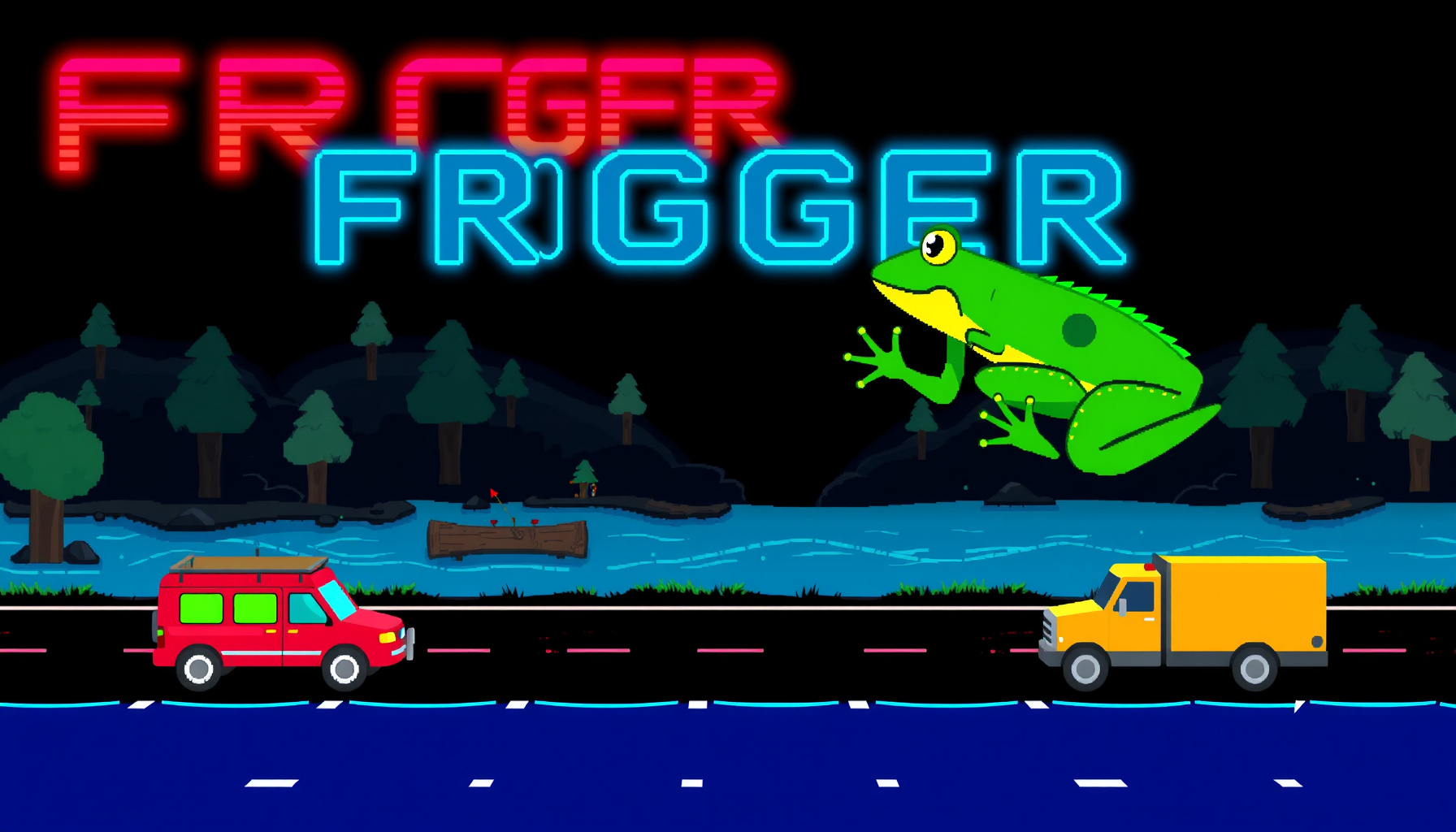
Build Frogger in Phaser 3: Classic Lane-Crossing Tutorial
Controls: Arrow keys or WASD to hop · Swipe works on mobile · Game over restarts on tap/key
Few arcade games punish patience like Frogger: five lanes of traffic and a river of drifting logs stand between you and five tiny home bays. In this guide you’ll build Frogger in Phaser 3 from scratch — one HTML file, procedurally drawn graphics, no image assets — and finish with the same playable demo embedded above. We’ll walk through the road lanes, the raft-riding river, hop input, scoring, lives, and level progression in beginner-friendly steps you can follow with any AI coding assistant.
How Do You Build Frogger in Phaser 3 for Beginners?
Short answer: define a 13×13 grid, spawn cars and rafts from lane config arrays, move the frog in 40-pixel hops, and check raft support and bay proximity every frame. Phaser 3 handles rendering, input, and timing, so each mechanic becomes a small, testable function. The sections below rebuild our working demo piece by piece.
How This Guide Was Built
This walkthrough is built from the official Phaser documentation and Phaser GitHub repository, the Wikipedia Frogger entry, and the working playable demo embedded above, which we ran to verify the mechanics described here — we did not perform lab-style testing beyond running the demo. The finished game also lives on our playable games hub. Last verified: September 2026.
What Is Frogger and Why Build It in Phaser 3?
Frogger is the 1981 arcade game by Konami, distributed in North America by Sega/Gremlin, in which you hop a frog home across traffic and a river (Wikipedia). It’s an ideal early Phaser 3 project: grid movement, timed spawns, and simple overlap checks exercise the same engine features you’ll reuse in every lane-based game you make afterward.
// The 1981 original scored 10 per forward hop and 50 per safe home.
// Our remake keeps the flat 50 and adds a speed bonus instead:
score += 50 + 10 * timeLeft;
The original rewarded slow, steady play; our version pays for landing fast. You’ll see the full landing check later in the post.
Setting Up the Phaser 3 Project
Setup is deliberately tiny: one HTML file that loads Phaser 3.90 from the jsdelivr CDN, plus a game config with a 520×560 canvas using Scale.FIT and CENTER_BOTH so the board letterboxes cleanly on any screen size (Phaser documentation). No npm, no bundler, no build step — paste, save, open in a browser.
<script src="https://cdn.jsdelivr.net/npm/phaser@3.90/dist/phaser.min.js"></script>const game = new Phaser.Game({
type: Phaser.AUTO,
width: 520,
height: 560,
scale: { mode: Phaser.Scale.FIT, autoCenter: Phaser.Scale.CENTER_BOTH }
});The canvas is 13 columns of 40 px plus a 40 px HUD strip on top. The demo also stores a reference as window.__froggerGame, so automated tools (we used Playwright) can peek at game state while testing.
Building the 13x13 Game Grid
The whole board is a 13×13 grid of CELL = 40 px squares: row 0 holds five home bays at columns 1, 3, 5, 7, and 9, rows 1–5 are the river, row 6 is a safe median, rows 7–11 are the road, and row 12 is the start strip.
const CELL = 40; // 13 × 13 cells → 520 px of board + a 40 px HUD strip

// Row map, top to bottom:
// 0    home row — bays at columns 1, 3, 5, 7, 9
// 1-5  river (logs, turtles)
// 6    median strip
// 7-11 road (cars, trucks)
// 12   start strip
// Simplified: every texture — frog, car, truck, log, turtle — is drawn
// at runtime with make.graphics, so the file needs zero image assets.
const g = this.make.graphics({ add: false });
g.generateTexture('car', 36, 40); // cars are 36 px wide, one cell tallDrawing shapes into a Graphics object and baking them into textures keeps the single-file promise — there’s not a single PNG in the project.
Adding Road Lanes With Cars and Trucks
Road lanes are pure data: each lane stores a direction (they alternate down the board), a speed, a vehicle kind, and a minimum spawn gap, then recycles vehicles off-screen. Our five road lanes run at 62, 96, 74, 112, and 86 px/s, with lane 9 carrying wide trucks on a slower spawn timer.
// Abridged from the demo — one config per road lane, direction alternating
{ row: 7,  speed: 62  },
{ row: 8,  speed: 96  },
{ row: 9,  speed: 74,  kind: 'truck' }, // 60 px wide, gapMin 3.6 s
{ row: 10, speed: 112 },
{ row: 11, speed: 86  },                // px/s
// Every lane randomizes its spawn delay between 2.2–3.6 s (cars are
// 36 px wide), so vehicles keep their spacing and never overlap.Getting hit is fatal, and the check is a plain rectangle overlap. If you’ve followed our Breakout tutorial, you’ve already written this kind of collision.
Building River Lanes With Logs and Turtles
The river works like the road until you land on something — then it carries you. Rows 1, 3, and 4 are logs 2.2–3.4 cells long; rows 2 and 5 are turtles 1.3–1.5 cells long. While you ride, frog.x follows raft.x every frame, and if you’re mid-river with nothing under you, you drown.
// While riding, the frog follows its raft's position every frame:
frog.x = raft.x;
// Mid-river with no raft underneath → this.die('drown')
One kindness the demo adds: a riding frog is clamped to the screen, so a fast log can’t drag your frog off the edge. Losing a life to geometry would feel unfair, and now it can’t happen.
Implementing Frogger’s Hop Movement
All input funnels into one tryHop(dx, dy) function that computes the next grid square from the direction pressed, throttles hops to one every 220 ms, and moves the frog exactly 40 px, clamped to the board edges. Arrows, WASD, and mobile swipes share this path — and sideways hops off a raft mid-river are refused with a bump.
tryHop(dx, dy) {
  const nx = frog.x + dx * CELL; // 40 px per hop, always grid-aligned
  const ny = frog.y + dy * CELL;
  // clamp to grid edges, check raft rules, then hop
}
if (time - this.lastHop > this.hopDelay) { // one hop per 220 ms
// ...then hop; sideways hops off a log mid-river are refused
}This is the same grid-step math behind our Snake tutorial and our Tetris tutorial — learn it once and you can build all three games.
Home Bay Landing and Scoring
A hop into row 0 only counts if you land within 14 px of an empty bay center at columns 1, 3, 5, 7, or 9. Success banks 50 points plus 10 per second left on the timer and resets the clock to 30 s; an occupied bay or a bush just bounces you back a cell.
score += 50 + 10 * timeLeft;               // land fast, score more
this.add.image(nx, ny, 'frog').setAlpha(0.55).setScale(0.75); // home sprite
// Miss the 14 px window (occupied bay or bush)? Friendly bounce:
// one cell back plus a short bump tween — no life lost.Fill all five bays and the level increments: the bays reset, “LEVEL n” flashes, and every lane’s speed scales by 1 + (level - 1) * 0.12 — 12% faster traffic and rafts each round. The 1981 original also advanced after five frogs made it home.
Handling Lives, the Timer, and Game Over
You start with three lives and thirty seconds per frog. The timer ticks down through a one-second timer event, and hitting zero kills the frog. Every death — car, drown, or timeout — fades the frog back to the start strip and costs a life; the third triggers a GAME OVER flash, then any tap or key restarts the scene.
this.time.addEvent({ delay: 1000, loop: true, callback: this.tickTimer });
// timeLeft reaches 0 → this.die('timeout')lives--; // car, drown, or timeout
// 0 lives → GAME OVER flash → tap or any key restarts the sceneThe HUD in that 40 px strip keeps everything visible at a glance: the FROGGER title, “Score n Level n”, “Lives n”, and “Timer ns”.
What You Learned
You’ve now seen a complete Frogger clone built in one HTML file — grid, lanes, rafts, hops, scoring, and a level loop that speeds up 12% per round. The checklist:
- One-file setup — Phaser 3.90 via CDN, 520×560 canvas, Scale.FIT + CENTER_BOTH
- Procedural textures — frog, car, truck, log, and turtle drawn with make.graphics
- Data-driven road lanes — speeds from 62 to 112 px/s, gap-timed spawns, off-screen recycling
- Raft physics — frog.x tracks raft.x, drown checks every frame, riders clamped to screen
- tryHop movement — 220 ms throttle, 40 px hops, no sideways hops off rafts
- Landings and scoring — 14 px bay tolerance, 50 + 10 × seconds left, five bays → next level
- Failure loop — 3 lives, 30 s timer, instant restart
For extensions, try crocodiles patrolling the home row, a lady frog bonus for extra points, or a high-score board saved with localStorage — all features from the classic game’s family tree (Wikipedia). When you’re ready for a gentler cooldown project, our Phaser Pong tutorial is a great next build.
FAQ
Can I build Frogger in Phaser 3 without external image assets?
Yes — the demo embedded here uses zero image files. Every texture (frog, car, truck, log, turtle) is drawn at runtime with Phaser’s make.graphics, so the whole game lives in one HTML file. Drawing shapes programmatically keeps the project portable and teaches you how Phaser textures work under the hood.
How do I make the game harder as levels increase?
The demo scales lane speed by 1 + (level - 1) * 0.12 — about 12% faster every level — once all five bays are filled. You can go further: shrink spawn gaps toward their minimums, shorten logs, or trim the 30-second timer. Change one variable at a time so you can feel each difficulty knob.
Does Phaser 3 support touch controls for Frogger on mobile?
Yes. Because Scale.FIT with CENTER_BOTH keeps the canvas responsive, touch input maps cleanly onto the grid: our demo listens for swipes and converts them into the same hop calls as the arrow keys, throttled by the same 220 ms delay. Tap to restart after a game over, and the game plays fine on a phone.