Gun Fight: Build a Two-Player Cover Shooter in Phaser 3 (Step 5 of 5)
Play the Game First
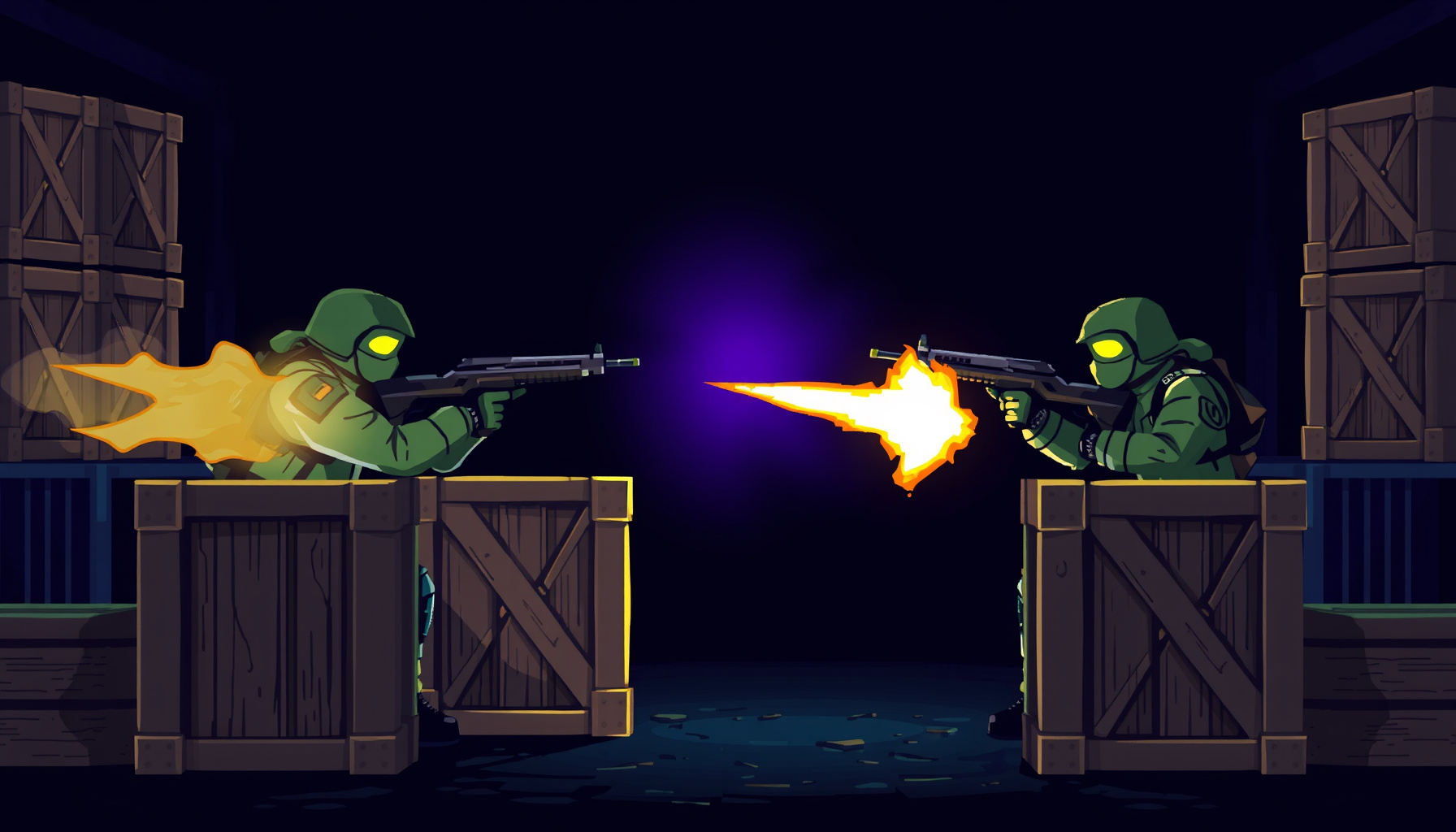
Gun Fight is a finished two-player cover shooter built on Phaser 3.60.0 and shipped as one HTML file, so you can play it right here with nothing installed. It offers three modes: player-versus-player by default, ?mode=ai against a computer opponent, and ?mode=bot to watch two bots duel. Click inside the frame first so it receives keyboard input.
This walkthrough is based on the game’s source code and the official Phaser documentation; we did not run a hands-on playtest.
What This Final Step Adds
This is the fifth and last file in the build trail. The folder keeps the earlier step files alongside it, and this one adds persistent high scores, a game-over stats overlay, kill popups, a mute toggle, Web Audio sound effects, camera shake, and a muzzle flash. Each addition is a small, separate piece you can read on its own, which makes it a good place to learn how finished games are assembled.
How the Code Is Organized
The whole game lives in one scene class, GunFightScene, and the file ends by creating a single Phaser.Game. The game uses no image files: textures such as bul, cow and crate are drawn in code and baked with generateTexture. Read the Phaser Scenes concept and the Scene class reference to see how a scene owns its update loop and input.
Excerpt: the game boot (from gun-fight-05-flash.html, trimmed)
new Phaser.Game({
  type: Phaser.AUTO, width: 1020, height: 720,
  parent: 'game', backgroundColor: '#0a0b14',
  scale: { mode: Phaser.Scale.FIT, autoCenter: Phaser.Scale.CENTER_BOTH },
  // ...scene and physics settings follow
});
What this teaches: Phaser.Scale.FIT with CENTER_BOTH scales the canvas to fit its container while keeping its shape.
Controls and the Tunable Constants
Blue moves with W A S D and fires with SPACE. Red uses the arrow keys and ENTER. Press R to rematch and M to mute. The mode is read from the URL with URLSearchParams. Balance numbers sit together in the scene’s setup, so you can tune the whole match from one place.
Excerpt: the tunable constants (from gun-fight-05-flash.html)
this.WIN = 5;
this.FIRE_RATE = 350;
this.BULLET_SPD = 750;
this.SPD = 300;
this.AI_REACTION = 300;
this.playerMaxHP = 5;
What this teaches: keep balance numbers in one block. Changing WIN or FIRE_RATE changes the match without touching any logic.
Rate-Limiting Shots
Holding SPACE should not create a bullet stream. The game compares the current time to the time of the last shot, and it checks JustDown so one key press fires one shot. Red’s ENTER check works the same way, with its own timestamp.
Excerpt: the blue player’s fire gate (from gun-fight-05-flash.html)
if (Phaser.Input.Keyboard.JustDown(this.key1.SPACE) && time > this.lastF1 + this.FIRE_RATE) {
  this.lastF1 = time;
  this.fireBullet(this.b1, this.p1.x + 22, this.p1.y, 1);
  this.muzzleFlash(this.p1.x + 22, this.p1.y, 0x3388ff);
  SoundManager.ensureResumed();
  SoundManager.playGunshot();
  this.statsP1.shots++;
}
What this teaches: store the time of the last action, compare it to the current time, and only then act. The same gate can protect any repeating action.
Destructible Cover With Three Lives
The game places three crates, each with 3 HP. Bullets are tested against them with Arcade physics overlap, so every hit runs one handler. That handler reduces the crate’s stored HP, then redraws the crate to match its new state. The state labels move from solid to damaged to critical to destroyed, as the in-game help panel describes.
Excerpt: the crate hit handler (from gun-fight-05-flash.html, trimmed)
var cd = this.crateData[idx];
if (!cd || cd.destroyed) return;

cd.hp--;
crate.setData('hp', cd.hp);

this.updateCrateVisual(cd, crate);
this.updateCrateHPDisplay(cd);
What this teaches: keep game data (crateData) separate from the sprite, then update the visuals from that data. The sprite only shows what the data says.
The AI Hide-and-Peek Loop
In AI mode the opponent starts in a 'hide' state behind cover. In AI mode it picks one of three peek positions, [350, 690, 820], and moves there. Its first shot waits on a 300 ms reaction timer set at the moment it picks a spot. It fires one to three bullets, then retreats. The bot-watch mode uses its own set of peek positions for its P1 bot, [250, 380, 600].
Excerpt: the hide and peek states (from gun-fight-05-flash.html, trimmed)
case 'hide':
  r.timer += 100;
  if (r.timer > 600 + Math.random() * 800) {
    // ...choose a peek index that differs from lastPeekIdx
    r.state = 'peek';
    r.timer = 0;
    r.bulletsToFire = 1 + Math.floor(Math.random() * 3);
    r.peekReady = now + this.AI_REACTION;
  }
  break;
case 'peek':
  if (r.bulletsToFire > 0 && now > r.peekReady) {
    this.fireBullet(group, sprite.x + (dir > 0 ? 22 : -22), sprite.y, dir);
    r.bulletsToFire--;
    r.peekReady = now + 200 + Math.random() * 200;
  }
  break;
What this teaches: a state machine is a set of named states, each with a timer and a transition. Adding a new state means adding one more case.
Saving High Scores with localStorage
Scores are saved per mode under the key prefix gunfight-highscores-, and the top five appear on the game-over screen. Adding ?reset=1 to the URL runs a small startup block that clears the saved scores for all three modes. Each entry records the score, kills, deaths, shots, crates, duration and date. The list is sorted by score and trimmed to five before it is saved. The browser’s localStorage stores strings, which is why the code serializes with JSON.stringify. The matching JSON.parse call reads the list back.
Excerpt: saving a score (from gun-fight-05-flash.html)
var HS_KEY_PREFIX = 'gunfight-highscores-';

function addScore(mode, score, kills, deaths, shots, crates, duration) {
  var scores = loadScores(mode);
  scores.push({ score: score, kills: kills, deaths: deaths,
                shots: shots, crates: crates, duration: duration,
                date: new Date().toISOString().slice(0, 10) });
  scores.sort(function(a, b) { return b.score - a.score; });
  if (scores.length > 5) scores = scores.slice(0, 5);
  try { localStorage.setItem(HS_KEY_PREFIX + mode, JSON.stringify(scores)); } catch(e) {}
  return scores;
}
What this teaches: load, insert, sort, trim, save. The try block protects the game if storage is full or blocked.
Sound, Shake, and Flash
The game makes its sound effects with the Web Audio API, so no audio files are needed. Each tone is an OscillatorNode routed through a GainNode whose volume fades out over the tone’s length. The gunshot helper calls this function with a falling pitch.
Excerpt: the tone helper (from gun-fight-05-flash.html)
function playTone(freq, rampFreq, dur, type, vol) {
  if (muted) return;
  var c = getCtx();
  if (!c) return;
  var osc = c.createOscillator();
  var gain = c.createGain();
  osc.type = type || 'sawtooth';
  osc.frequency.setValueAtTime(freq, c.currentTime);
  if (rampFreq) osc.frequency.exponentialRampToValueAtTime(rampFreq, c.currentTime + dur);
  gain.gain.setValueAtTime(vol || 0.3, c.currentTime);
  gain.gain.exponentialRampToValueAtTime(0.001, c.currentTime + dur);
  osc.connect(gain); gain.connect(c.destination);
  osc.start(c.currentTime); osc.stop(c.currentTime + dur + 0.01);
}
What this teaches: the oscillator is the tone, and the gain envelope is its shape. The gunshot is playTone(800, 200, 0.02, 'sawtooth', 0.3), a short, sharp drop.
Camera shake is a single call to cameras.main.shake, and the file calls it twice: a lighter shake (50 ms, 0.003) when a bullet lands and a heavier one (150 ms, 0.006) at the match’s end. Kill popups use playKillPopup, and the M key flips the mute flag in SoundManager.
FAQ
Beginners ask these questions about this build. Each answer points at one spot in the file. To experiment, download gun-fight-05-flash.html, edit it locally, and open it in your browser.
How do I make the game shoot faster or slower?
Change this.FIRE_RATE in the scene’s setup. It is set to 350 milliseconds, the minimum gap between shots for each player. Lower the number for faster fire. The fire check reads this value on every shot, so the change applies as soon as you refresh.
Why are the textures generated in code?
The game draws bul, cow and crate with Phaser’s Graphics object and bakes each into a texture with generateTexture. The whole game stays in one HTML file with no image files to load or lose, and a shape or color change is a one-line edit.
What You Learned
This build shows how a finished browser game comes together from small, editable parts. You saw how one Phaser.Game boots a scene, how constants and timestamps control pacing, how crate data drives its visuals, how a state machine runs the AI, and how localStorage and Web Audio add persistence and feedback. Each one carries over to your own games.
- Keep balance numbers together in one block:
WIN,FIRE_RATE,playerMaxHP - Gate repeating actions with a stored timestamp
- Keep game data separate from sprites, and update visuals from it
- Model AI behavior as named states with timers
- Persist small data as JSON in localStorage, inside a
tryblock, and reset it with?reset=1
Start with the constants. Change WIN or FIRE_RATE, refresh, and see what changes. For background on how a scene manages its loop, revisit the Scene class reference.