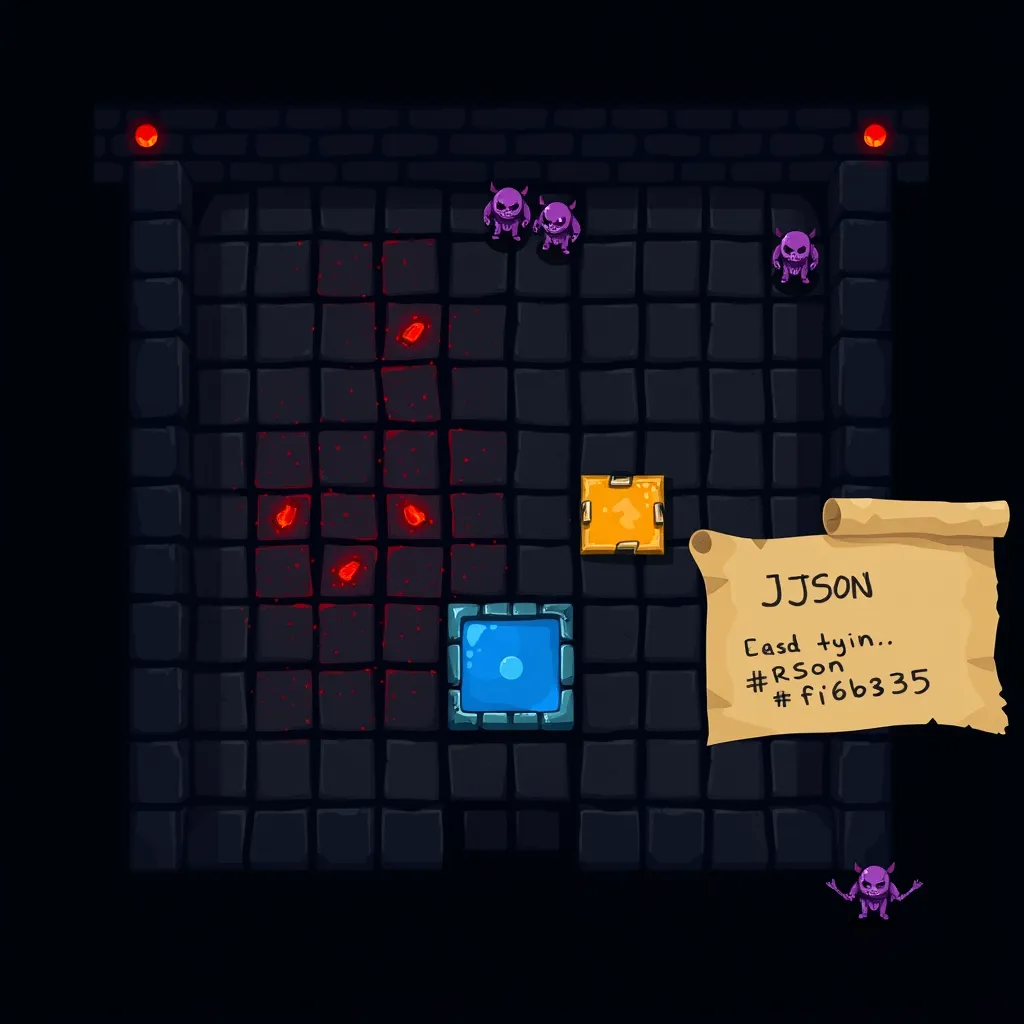
LLM-Written Room Specs for Procedural Dungeon Generation in Phaser
Introduction
An LLM can act as a level designer if you ask it for a JSON room spec: a tile grid plus entities such as the player start, enemies, and a goal. Your own code validates that spec for bounds, hazard clusters, and a walkable path, and Phaser draws a playable dungeon from it. The demo below needs no API key.
This post walks through the JSON contract, the validator that rejects bad specs, and the Phaser scene that turns a validated spec into a grid dungeon. Everything runs in one HTML file, and a built-in sample stands in for the model so you can play without any setup.
About This Build
This build is one HTML file. It loads Phaser 3.90.0 from the jsDelivr CDN (https://cdn.jsdelivr.net/npm/phaser@3.90.0/dist/phaser.min.js), validates a room spec with plain JavaScript, and draws a grid dungeon with arrow-key movement, two patrolling enemies, a goal tile, win and fail states, and a Regenerate button. The v3.90 release announcement says 3.90 “should be a drop-in replacement for any v3.88 game,” and the 3.90.0 API docs are the API reference. Those docs also note that 3.90 is no longer maintained, so pin the version you test against.
The sample LLM response is simulated. I wrote it by hand and stored it as a JSON string in the page. It is not output from a live model, no model is called, and no API key is needed. The spec never leaves the browser. The only network request the page makes is for the Phaser script.
This post does not report playtests, device or browser test matrices, performance measurements, or benchmarks of real model output. I did not measure how often real LLMs produce malformed or unreachable rooms, so this post cannot tell you how often any particular model fails. The validator is a safety net you can test yourself, not evidence about a specific model.
The Concept: LLM as Level Designer
Procedural generation often produces repetitive layouts. The VibeGames.Ninja guide to LLM level design starts from that problem: “Generating game stages procedurally often leads to repetitive layouts.” Its suggested approach pairs your game’s parser with structured JSON output from an LLM. The model proposes a map, and your code decides whether the game can use it. That division of labor is the core idea here. The model is the designer that proposes, and your code is the gatekeeper.
Getting JSON from a model is the first hurdle. A prompt that simply asks for JSON gives you no guarantees. The DevToolLab guide on structured outputs describes prompt-only JSON as “No guarantee; failure rates climb with complexity and smaller models.” JSON mode gets you parseable output, but the same guide warns that “It parses, but the model can still skip required fields, invent new ones, or return the wrong types.”
Schema-constrained generation is the stronger tool. You hand the API a JSON Schema, and the response is guaranteed to match it. That solves the shape problem. It does not solve the truth problem, and the guide puts it bluntly: “Constrained decoding guarantees the shape, not the truth.” A room can match the schema perfectly and still wall off the goal. Your game needs its own checks for that.
The sample in this demo stands in for a schema-constrained response. Everything after the sample treats it as untrusted input, which is a sensible default for any model output.
The Room-Spec Schema
The contract is deliberately small:
gridWidthandgridHeight: integers from 8 to 24. This bound is this demo’s own design choice, not a rule from either source.tiles: exactlygridHeightrows, each with exactlygridWidthintegers.0is empty,1is a block, and2is a hazard. This mirrors the map shape in the VibeGames.Ninja guide.entities: a list of objects withtype,x, andy. The type must beplayer_start,enemy_patrol, orgoal. A valid spec has exactly oneplayer_start, exactly onegoal, and zero or moreenemy_patrolentries.
The only top-level keys are gridWidth, gridHeight, tiles, and entities. The only entity keys are type, x, and y. Nothing else is allowed.
The schema stays flat for a practical reason. The DevToolLab guide notes that Gemini-style schema support “accepts a subset of JSON Schema and may reject very large or deeply nested schemas, so keep things flat.” Four top-level keys, three keys per entity, and one two-dimensional array is a sensible default even if you never use Gemini.
Here is the kind of response a schema-constrained LLM call would return. To be clear, this one is simulated. I wrote it by hand, and no model produced it. The page keeps it as SAMPLE_LLM_RESPONSE, a JSON string constant, and loads it on startup.
{
  "gridWidth": 16,
  "gridHeight": 12,
  "tiles": [
    [1,1,1,1,1,1,1,1,1,1,1,1,1,1,1,1],
    [1,0,0,0,0,0,0,1,0,0,0,0,0,0,0,1],
    [1,1,1,1,1,1,0,1,1,1,0,1,1,1,0,1],
    [1,0,0,0,0,0,0,0,0,0,0,0,0,0,0,1],
    [1,1,1,1,1,1,1,1,1,1,0,1,1,1,1,1],
    [1,0,0,0,0,0,1,0,0,0,0,0,0,0,0,1],
    [1,0,0,1,1,1,0,1,0,0,0,0,0,0,0,1],
    [1,0,0,0,1,0,0,0,0,2,2,2,0,0,0,1],
    [1,0,1,1,1,1,0,0,1,0,1,0,0,0,0,1],
    [1,0,0,0,0,1,0,0,0,0,0,0,0,0,0,1],
    [1,0,0,1,0,0,1,0,0,0,0,0,0,0,0,1],
    [1,1,1,1,1,1,1,1,1,1,1,1,1,1,1,1]
  ],
  "entities": [
    { "type": "player_start", "x": 1, "y": 1 },
    { "type": "enemy_patrol", "x": 4, "y": 3 },
    { "type": "enemy_patrol", "x": 10, "y": 9 },
    { "type": "goal", "x": 14, "y": 10 }
  ]
}
Read the layout top to bottom, with coordinates as (x, y) and y counting down from the top row. The outer ring is blocks. The player starts at (1, 1) and the goal sits at (14, 10). A horizontal run of exactly three hazards runs across row 7. A walkable route avoids every hazard: along row 1, down column 6, along row 3, down column 10, across row 5, and down column 14 to the goal. Two enemies patrol rows 3 and 9.
The Validator, Step by Step
The validator is plain JavaScript that runs in the browser before anything is built. It collects every violation rather than stopping at the first one, so you can fix a whole spec in one pass. It runs four checks in order, and a final step handles failure.
Rule 1: no unknown keys. A model can still “invent new ones,” as the DevToolLab guide puts it, so the validator rejects any key outside the contract, both at the top level and on each entity.
Object.keys(spec).forEach((key) => {
  if (!TOP_KEYS.includes(key)) errors.push(`Unknown top-level key "${key}".`);
});
Rule 2: bounds and types. In this demo, sizes must be integers from 8 to 24. That range is a design choice of this demo, not a rule from either source. Every tile must be 0, 1, or 2. Every entity needs integer coordinates inside the grid, a known type, and an empty tile underneath. A start, goal, or enemy should never spawn inside a wall or a hazard. The size check is a single helper:
const inSize = (n) => isInt(n) && n >= MIN_SIZE && n <= MAX_SIZE;Rule 3: hazard run limit. The VibeGames guide quotes a prompt rule telling the model to “do not group more than 3 hazards next to each other.” The validator enforces that in both directions. It scans each row and each column with a counter that resets on any non-hazard tile. The error fires once, when a run reaches four. Here is the row scan:
for (let y = 0; y < H; y++) {
  let run = 0;
  for (let x = 0; x < W; x++) {
    run = tiles[y][x] === TILE.HAZARD ? run + 1 : 0;
    if (run === MAX_HAZARD_RUN + 1) errors.push(`More than ${MAX_HAZARD_RUN} hazards in a row in row ${y}, ending at x=${x}.`);
  }
}
Rule 4: reachability with breadth-first search. This is the rule that matters most for playability. The check runs a breadth-first search from player_start, visiting up, down, left, and right neighbors, and it reports success if it reaches the goal. The demo’s own implementation looks like this:
function reachable(tiles, start, goal) {
  const H = tiles.length;
  const W = tiles[0].length;
  const seen = tiles.map((row) => row.map(() => false));
  const queue = [{ x: start.x, y: start.y }];
  seen[start.y][start.x] = true;
  const dirs = [[1, 0], [-1, 0], [0, 1], [0, -1]];
  for (let i = 0; i < queue.length; i++) {
    const { x, y } = queue[i];
    if (x === goal.x && y === goal.y) return true;
    for (const [dx, dy] of dirs) {
      const nx = x + dx;
      const ny = y + dy;
      if (nx < 0 || ny < 0 || nx >= W || ny >= H) continue;
      if (seen[ny][nx] || tiles[ny][nx] !== TILE.EMPTY) continue;
      seen[ny][nx] = true;
      queue.push({ x: nx, y: ny });
    }
  }
  return false;
}
Breadth-first search is an ordinary algorithm, and this demo applies it to plain arrays. No source is cited for it. The design decision here is that hazards are walls too. If hazards counted as passable, the check could approve a room that only works by stepping onto a hazard, which is an instant fail in this game. The VibeGames prompt rule asks for “a valid, unblocked path from the player_start to the goal tile,” and this check is stricter than that wording because it treats hazards as blocked as well.
Rule 5: on failure, build nothing. If any check fails, the validator returns the full list of errors and the scene is never touched. The page shows the list in the message area. Here is an illustrative message, not a measured result:
Spec rejected. Nothing was built. Fix these and try again:
• entities[2] has unknown key "color".
• Expected exactly one goal; found 0.
Why validate at all, when the API can enforce the schema? The DevToolLab guide recommends validating on your side anyway: “It costs microseconds and covers SDK quirks, proxy rewrites, and the one model without native support.” Constrained decoding gives you the shape, and your validator decides whether the room is actually playable.
The Playable Dungeon
The full game is one HTML file. The embed below runs it directly; to try it on your own machine, save the same file as index.html and open it in a browser. The page starts with the sample spec already validated, so you can press Build from pasted spec after editing the JSON.
The page uses Phaser’s scale settings to keep the canvas sized correctly. The config is scale: { mode: Phaser.Scale.FIT, autoCenter: Phaser.Scale.CENTER_BOTH, width: 1024, height: 768 }. According to the Scale Manager guide, FIT means the canvas is “automatically adjusted to fit inside the given target area, while keeping the aspect ratio,” and CENTER_BOTH means the canvas is “centered both horizontally and vertically within the parent.” Here the parent is the #game div, so the canvas letterboxes inside it as the window changes size.
The scene consumes only validated data. activeSpec is assigned after validateRoomSpec passes, and the scene reads it in create(). The scene draws one rectangle per tile with this.add.rectangle. The cell size, floor(min(1024 / W, 768 / H)), is a demo choice that keeps the grid inside the 1024×768 design size. Each entity is handled by type: player_start places the player, goal places the gold marker, and each enemy_patrol begins moving in the +1 direction along its row.
Controls and states work as follows:
- Arrow keys step the player one cell. Walking into a block does nothing.
- Stepping onto a hazard ends the run with “You hit a hazard.”
- An enemy on the player’s tile ends the run, whether the player stepped in or the enemy walked in.
- Reaching the goal shows “Room cleared!”
- A timer ticks enemies every 600 ms. Each enemy moves along its row and reverses when it meets a block or the grid edge.
The Regenerate button stays visible above the canvas. It re-runs parse, validate, and build on whichever spec is active. Because the sample is fixed and no model is called, Regenerate replays the same room. To get a different room, paste your own valid spec and press Build from pasted spec. An invalid paste shows its full error list and leaves the current room on screen.
What You Learned
- The schema is a contract. Four top-level keys, three entity types, integer tiles, and a flat shape make the output easy to check.
- The validator is a pipeline. It checks unknown keys, bounds and types, hazard runs, and BFS reachability. It either builds the room or lists every error.
- Phaser renders from data. A validated object drives the scene, and the scale settings handle different window sizes.
- Shape is not truth. Schema-constrained output guarantees the shape (DevToolLab guide). Your own checks decide whether the room is playable.
FAQ
Does the demo call a real LLM?
No. The page uses SAMPLE_LLM_RESPONSE, a hand-written string that stands in for a schema-constrained response. No model is called, no API key is requested, and the spec stays in the browser. Connecting a real model is a separate step you would add yourself, and this post does not measure how any real model behaves.
Why validate if the API guarantees the schema?
The guarantee covers shape, not truth. The DevToolLab guide recommends validating on your side anyway, because the check costs microseconds and covers SDK quirks, proxy rewrites, and models without native support. Even a perfect schema match can put the goal behind a wall, and the reachability check is what catches that.
Can I swap in my own spec?
Yes. Paste JSON into the box and press Build from pasted spec. In this demo, the spec must follow the contract: integer sizes from 8 to 24, a full rectangular tiles matrix, exactly one player_start and one goal, and no run of more than three hazards. Those limits are this demo’s own rules, so change them in the validator if your game needs different ones. Blocks and hazards both count as walls for the path check, so make sure a route exists. If the spec fails, you get the full error list, and the current room stays on screen.