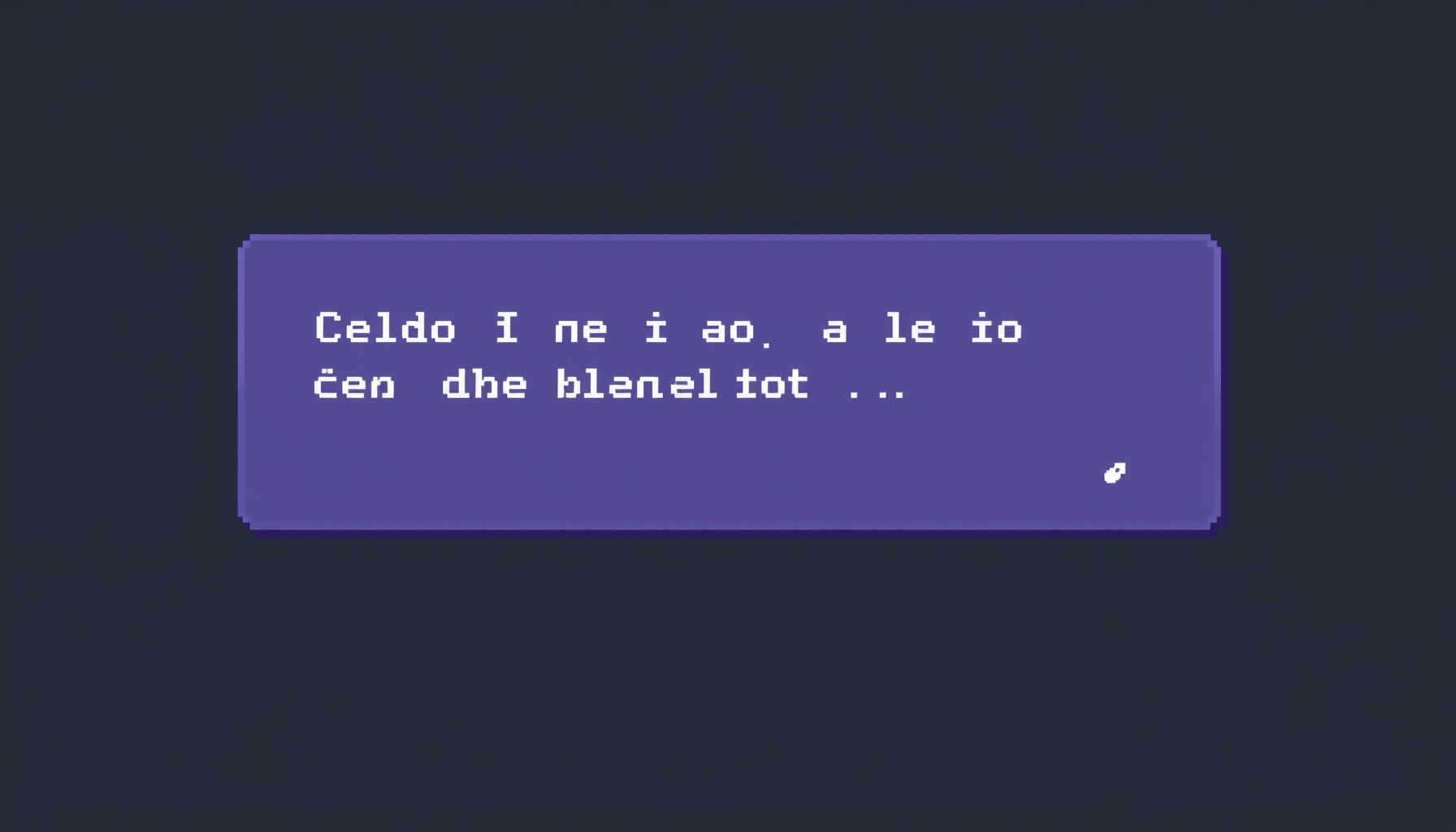
Typewriter Text Dialogue Box in Phaser 3: Build a Story Box That Types Out Character by Character
A dialogue box is one of the first pieces of story UI a beginner builder wants. It looks simple, but it teaches a useful Phaser pattern: scheduled callbacks that change a text string over time. In this tutorial you’ll build a story dialogue box in Phaser 3 that types text out character by character, using one core idea: a Timer Event that appends one character to the text string on every tick. The code targets the Phaser 3 API; the Timer Event docs cited below are from the current v4.1 docs, which describe the same addEvent behavior.
We’ll keep the scene small and readable. You’ll add a Text object, style it, start a repeating timer, wrap long lines, and let the player click to reveal the full line. The same pattern works for NPC chatter, cutscene captions, and story intros.
Why typewriter text
Typewriter text makes dialogue feel alive, because players read along as words appear. In Phaser 3 it needs no plugins: just a Text object and a Timer Event. This box becomes the foundation for cutscenes, NPC chats, and story intros.
The effect also gives you pacing control. A short pause before a line starts, or a slower reveal for a dramatic moment, both come from the same timer. You do not need a separate animation system for basic dialogue.
The core idea
A Phaser Scene owns its own Clock, which schedules Timer Events. Call this.time.addEvent() to fire a callback after a delay, optionally repeating. Start with an empty Text object, then on each tick append the next character. Set repeat: text.length - 1, because a Timer Event fires once plus repeat more times, which gives exactly text.length ticks.
Set up the scene
Create a Text object with an empty string and a style that includes fontFamily, fontSize, color, and wordWrap: { width }. Custom fonts must be preloaded by the page itself, because Phaser does not load fonts.
const dialogueStyle = {
  fontFamily: 'monospace',
  fontSize: '24px',
  color: '#ffffff',
  wordWrap: { width: 560 }
};
The wordWrap setting is part of the Text style. It lets Phaser break long lines for you. The font family is a simple monospace stack here; if you use a custom web font, load it in the page before the game starts.
Typewriter with time.addEvent
The full pattern: this.label = this.add.text(100, 100, ''), then this.time.addEvent({ callback, repeat: text.length - 1, delay: 40 }), appending text[i] each tick.
Ourcade’s walkthrough uses repeat: length - 1 with a delay of 200 milliseconds. Here we use 40 milliseconds for a snappier feel. That delay is a design choice, not a Phaser default.
The DialogueScene class below holds the whole behavior. Its create() method draws the panel, creates the label, and starts the first line.
class DialogueScene extends Phaser.Scene {
  constructor() {
    super({ key: 'DialogueScene' });
    this.typewriterEvent = null;
    this.currentIndex = 0;
    this.fullText = '';
  }

  create() {
    this.add.rectangle(400, 180, 640, 180, 0x1b1b2a, 0.9)
      .setStrokeStyle(4, 0x8b5cf6);

    this.label = this.add.text(100, 100, '', dialogueStyle);

    this.typeText('The old tower has been dark for years...');
    this.input.on('pointerdown', () => this.skipToEnd());
  }
The rectangle is a simple dialogue panel behind the text. The Text object starts empty, then typeText() fills it one character at a time.
  typeText(text) {
    if (this.typewriterEvent) {
      this.typewriterEvent.remove();
      this.typewriterEvent = null;
    }

    this.fullText = text;
    this.currentIndex = 0;
    this.label.text = '';

    this.typewriterEvent = this.time.addEvent({
      delay: 40,
      callback: () => {
        this.label.text += this.fullText[this.currentIndex];
        this.currentIndex++;
      },
      repeat: text.length - 1
    });
  }
Stopping the old timer first is important. Otherwise a previous line keeps appending characters after a new line has started.
Handle wrapping
Plain wordWrap has a visible flaw. A word can type out on one line and then suddenly jump to the next line once it hits the width limit. Ourcade’s walkthrough fixes this by wrapping the text first: this.label.getWrappedText(text) returns the wrapped lines, and joining them with \n gives the typewriter a string whose line breaks are already in place.
  typeWrapped(text) {
    const lines = this.label.getWrappedText(text);
    this.typeText(lines.join('\n'));
  }
Call typeWrapped() instead of typeText() for long lines. The Text object must already have its wordWrap width set, which dialogueStyle does.
One caveat from the Text docs: every change to the text string re-creates the internal canvas. That is fine for one dialogue label, but for many changing Text objects on screen, BitmapText is the better choice.
Skip-to-full-text on click
Skipping lets players read at their own pace. Register a pointer-down handler that calls skipToEnd(): remove the active timer with timer.remove(), then set the full text at once.
  skipToEnd() {
    if (this.currentIndex < this.fullText.length) {
      this.typewriterEvent.remove();
      this.typewriterEvent = null;
      this.label.text = this.fullText;
      this.currentIndex = this.fullText.length;
    }
  }
}
This version only skips while typing is in progress. If the full line is already visible, the click does nothing. In a real dialogue system you’d use that second click to advance to the next line.
Add this at the very bottom of the file, after the class. The class must exist before config refers to it. To assemble the game, paste the blocks into one file in this order: dialogueStyle, the class (its create, typeText, typeWrapped, and skipToEnd methods), then config.
const config = {
  type: Phaser.AUTO,
  scale: {
    mode: Phaser.Scale.FIT,
    autoCenter: Phaser.Scale.CENTER_BOTH,
    width: 800,
    height: 450
  },
  scene: DialogueScene
};

new Phaser.Game(config);
Phaser.Scale.FIT fits the canvas to the window, and CENTER_BOTH centers it.
Common mistakes
repeat: text.lengthinstead oftext.length - 1schedules one tick too many. On that extra tick,this.fullText[this.currentIndex]isundefined, so the box ends with the literal text “undefined” appended.delay: 0combined withrepeat > 0orloop: truethrows an error in Phaser. The time docs list this condition. If you want instant text, skip the timer and set the full string.- Not removing the previous timer when you start a new line, which lets two lines type over each other.
Make it your own
Easy extensions: add a blinking cursor rectangle after the last character, add a speaker-name label above the box, or queue multiple lines of dialogue. Each extension is a small variation on the same timer-append pattern you just learned.
For example, a second line can call typeWrapped() again. The method removes the old timer first, resets the index, clears the label, and starts a fresh timer.
// Inside DialogueScene, call this from create() or from a click handler:
this.typeWrapped('A second line reuses the same typewriter.');
What you learned
You built a dialogue box that types character by character with this.time.addEvent() and repeat: text.length - 1, wrapped long lines with getWrappedText(), and added click-to-skip with timer.remove(). You also saw why repeat is one less than the length, and when to consider BitmapText. Next step: wire it to an NPC interaction.
This tutorial is based on the Phaser documentation and a 2020 walkthrough. We did not run it on a device or browser matrix.