Phaser 3 Game Over and Restart with Scene Flow: A Beginner Guide
Losing is part of every game. In Phaser 3, the clean way to handle it is scene flow: a dedicated GameOver scene, the final score passed in through init data, and one call that brings the player back to the Game scene. This guide walks a beginner through that loop.
This guide is based on the official Phaser documentation and community reports; we did not run this code.
Why does a game need a separate Game Over scene?
When the player loses, the game needs a place to show the result and offer a next step. A dedicated GameOver scene keeps that screen separate from gameplay, so the Game scene runs the action and the GameOver scene shows the score and the restart choice.
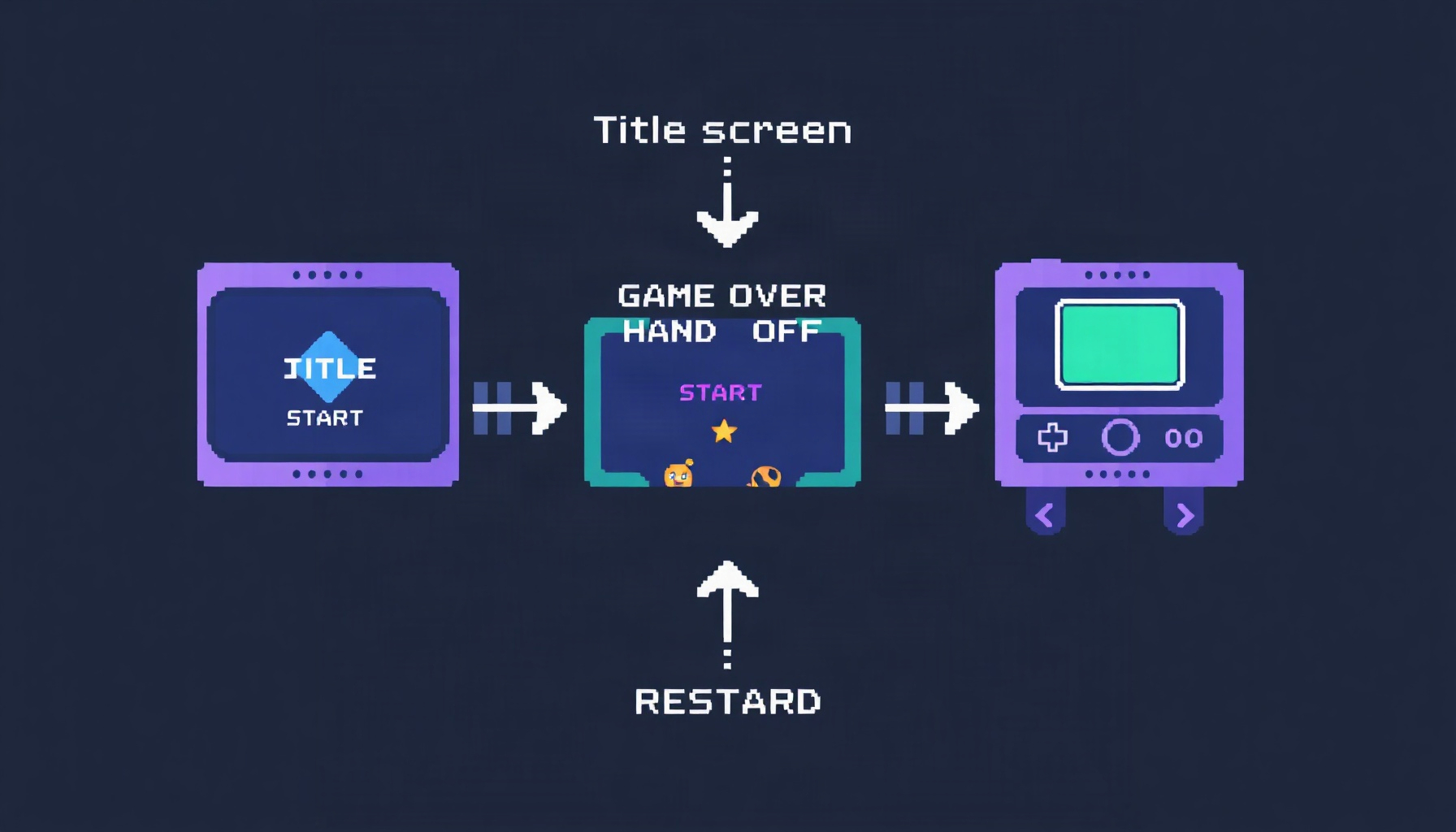
Think of the loop as three screens. Title starts Game. Game runs until the player loses, then starts GameOver with the final score. GameOver offers Play again, which starts Game once more.
How do you split a game into Title, Game, and GameOver scenes?
Each screen is its own class that extends Phaser.Scene, with its own scene key. The skeletons below are minimal on purpose: they show where each screen’s code goes.
class TitleScene extends Phaser.Scene {
  constructor() {
    super('Title');
  }
  create() {
    // Start the game when the player clicks
    this.input.once('pointerdown', () => this.scene.start('Game'));
  }
}

class GameScene extends Phaser.Scene {
  constructor() {
    super('Game');
  }
  create() {
    this.score = 0;
    this.lives = 3;
  }
  update() {
    // Gameplay loop. When lives reach 0, hand off to GameOver:
    // if (this.lives <= 0) this.scene.start('GameOver', { score: this.score });
  }
}

class GameOverScene extends Phaser.Scene {
  constructor() {
    super('GameOver');
  }
  init(data) {
    this.finalScore = data.score;
  }
  create() {
    // Show this.finalScore and a Play again button
  }
}
How does the GameOver scene receive the final score?
Pass the score as init data when you switch scenes. The ScenePlugin docs’ entry for add says its data argument is “passed to Scene.init, and Scene.create.” The code below uses the same data-object pattern with this.scene.start(); check your Phaser version’s start docs if the score does not arrive.
// Game scene: hand off the final score
this.scene.start('GameOver', { score: this.score });

// GameOver scene: receive it in init
init(data) {
  this.finalScore = data.score;
}
How does Play again restart the game?
From the GameOver scene, the Play again action can call this.scene.start('Game'). Phaser’s ScenePlugin is the interface you use for this. The Phaser ScenePlugin documentation describes it as “the main interface to the Scene Manager,” mapped to the Scene property this.scene, and says that “By default, it is mapped to the Scene property this.scene. Meaning, from within a Scene, you can call methods such as this.scene.start().”
Use this.scene.start('Game') to move between scenes. Use this.scene.restart() when the scene should restart itself. The ScenePlugin page is the v4.1.0 build of the docs. A Discourse reply in the thread linked below suggests this.scene.restart() for the same problem. The docs describe restart(data) as “Restarts this Scene,” and state that “This will happen at the next Scene Manager update, not immediately.”
// GameOver scene: Play again, the cross-scene option
onPlayAgain() {
  this.scene.start('Game');
}
Where should score and lives reset?
Reset them inside the Game scene, not in module-level variables. Maruno’s technical memo, which covers restarting a Phaser 3 scene after a game over, sets score = 0 and gameOver = false inside create for this reason. The memo says that calling this.scene.restart() re-invokes preload and create.
create() {
  this.score = 0;
  this.lives = 3;
}
What if state lives outside the scene?
The classic mistake is holding score or lives in a variable at the top of your file. Maruno’s memo found that restarting a scene does not repeat any initialization done outside preload and create. In their example, the game stopped accepting input after a restart until the values were reset inside create.
// Pitfall: module-level variables are not reset by a scene restart
let score = 0;
let lives = 3;
Move that state onto the scene instance and set it in create, as shown above.
What does the community report about a restart that does nothing?
On the Phaser Discourse forum, a thread from April 8, 2020 describes a beginner whose “Play again” button, calling this.scene.start(PLAY_SCENE) from a GameOverScene, appeared to do nothing: “I am just left with a dark grey screen.” In a follow-up, the poster said the GameOver scene had been launched on top of the play scene and that mouse listeners stopped working after the second start. The thread does not settle on one root cause, so this guide does not name one. Read the original thread if you hit the same symptom.
Where can you see the scene system working?
The companion guide Phaser Scene Flow for Beginners covers Title, Game, Pause and Game Over screens in one HTML file. This post goes deeper on the restart step.
What did you learn?
- A game over screen works best as its own scene, with the final score passed in through init data.
this.scene.start('Game')moves to the Game scene, andthis.scene.restart()restarts the current one.- The ScenePlugin docs say scene calls run at the next Scene Manager update, not immediately.
- Reset score and lives inside the scene, not in module-level variables.
FAQ
Should I use restart() or this.scene.start(‘Game’) for Play again?
The docs define restart(data) as “Restarts this Scene.” Maruno’s memo uses this.scene.restart(). Use this.scene.start('Game') when the Play again button lives in a different scene, as in this guide’s flow. Use restart() when the scene should restart itself.
Why did the Discourse poster’s Play again seem to do nothing?
The thread reports the symptom but does not establish a single cause. Check the follow-up in the thread about launching GameOver on top of the play scene before you assume the problem is the restart call.
Does state outside a scene reset on restart?
No. Maruno’s memo reports that initialization outside preload and create is not repeated on restart. Keep score and lives on the scene instance and set them in create.