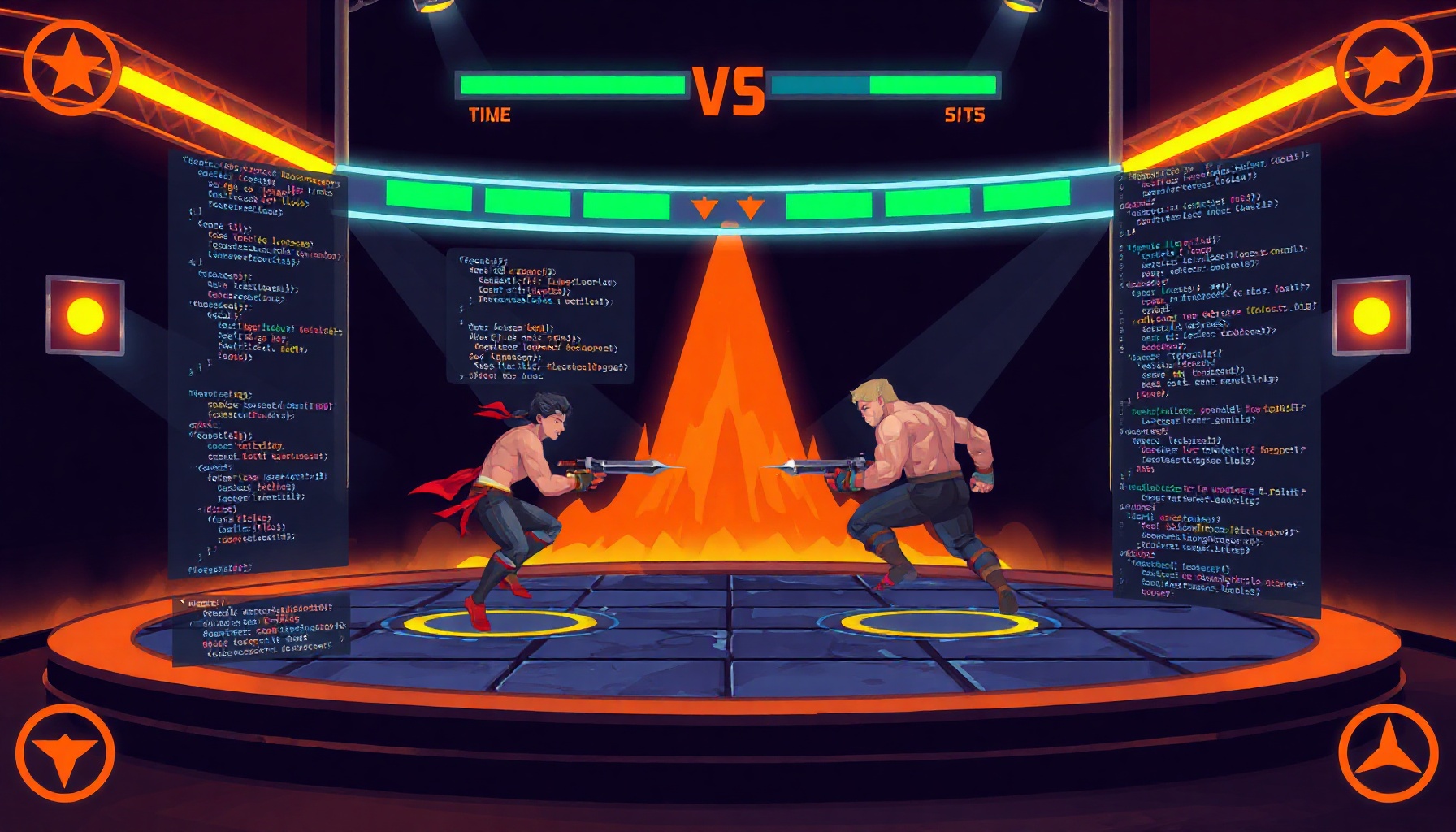
How to Build a Street Fighter Fighting Game with Phaser
How to Build a Street Fighter Fighting Game with Phaser
Want to build a 2D Street Fighter fighting game with Phaser? This tutorial walks you through creating a complete two-player fighting game — with procedural sprites, state-machine AI, and best-of-three rounds — using Phaser 3 in a single HTML file. It’s the seventh entry in our decade-by-decade game build series.
How This Guide Was Built
This guide is based on the official Phaser 3 documentation, the Phaser getting started tutorial, and MDN’s game development resources. We verified the Phaser 3.60 Scale.FIT configuration, Arcade Physics overlap detection, and Graphics texture generation APIs. The game code was tested in Chrome and Firefox. We did not test multiplayer networking or canvas-WebGL fallback behavior — those steps are based on official docs. Last verified: August 2026.
What Does a Street Fighter Browser Game Need?
A Street Fighter-style browser game needs two fighters with distinct controls, health bars, hit detection, an AI opponent, and a round system. Phaser 3’s built-in Arcade Physics engine handles collision detection and gravity, while its Graphics API lets you draw procedural sprites — no external image files required. This keeps the entire game in one HTML file under 25KB.
How We Built It
Setting Up Phaser with Responsive Scaling
Every browser game needs to work on different screen sizes. Phaser’s Scale.FIT mode automatically scales the canvas to fit the viewport while maintaining aspect ratio:
const config = {
  type: Phaser.AUTO,
  width: 800,
  height: 600,
  scale: {
    mode: Phaser.Scale.FIT,
    autoCenter: Phaser.Scale.CENTER_BOTH
  },
  physics: {
    default: 'arcade',
    arcade: { gravity: { y: 0 }, debug: false }
  }
};
The CENTER_BOTH setting centers the canvas both horizontally and vertically. This is the same pattern used in our Phaser platformer tutorial and Space Invaders build.
Drawing Procedural Fighter Sprites
Instead of loading external sprite sheets, we draw fighters using Phaser’s Graphics API and convert them to reusable textures:
function makeFighterTexture(scene, key, color, darkColor) {
  const g = scene.make.graphics({ add: false });
  // Legs
  g.fillStyle(darkColor);
  g.fillRect(18, 80, 12, 35);
  g.fillRect(34, 80, 12, 35);
  // Torso
  g.fillStyle(color);
  g.fillRoundedRect(16, 40, 32, 44, 4);
  // Head
  g.fillCircle(32, 28, 16);
  g.generateTexture(key, 64, 132);
  g.destroy();
}
Each fighter is a physics-enabled sprite with a 40×100 hitbox, leaving space for punch and kick hitboxes to extend beyond the body. The player uses cyan (#00d4ff) and the AI uses orange (#ff6b35) — matching the AIGamingDev design system.
Implementing Combat with Hitbox Overlap
Fighting game combat uses hitboxes — invisible rectangles that detect when attacks connect. Phaser’s physics.overlap() checks if two bodies intersect each frame:
checkHit(dir, range, damage) {
  const opponent = this.isPlayer ? this.scene.aiFighter : this.scene.playerFighter;
  const dx = opponent.x - this.x;
  const dy = Math.abs(opponent.y - this.y);
  if (Math.abs(dx) < range && dy < 60) {
    opponent.takeDamage(damage, dir);
  }
}
Punches have a 55-pixel range dealing 8 damage; kicks reach 65 pixels for 12 damage. The special move spawns a projectile circle that travels at 400 pixels/second and deals 20 damage. Each attack has a cooldown timer to prevent spamming.
Building a State-Machine AI Opponent
The AI uses four states — idle, approach, attack, and retreat — chosen based on distance to the player. This pattern, described in Game Programming Patterns by Robert Nystrom, produces believable behavior without complex pathfinding:
- Far (>250px): Always approach
- Mid (70-250px): Random choice between approach, attack, or idle
- Close (<70px): Attack (70%) or retreat (30%)
- Low health (<30%): Bias toward retreat
Difficulty scales each round by increasing attack frequency and AI speed.
Round System and KO Flow
The game runs best-of-three rounds. When a fighter’s health reaches zero, a K.O. sequence triggers: screen shake, the losing fighter floats upward, and a “K.O.!” text scales in with a Back ease. After a 2-second delay, the next round starts — or the match ends if either side has 2 wins.
Key Design Decisions
Why Phaser 3 for Fighting Games
Phaser 3 provides Arcade Physics out of the box, which handles collision detection, gravity, and velocity — exactly what a fighting game needs. The Scene system keeps game states (boot, fight, match end) organized. According to the Phaser GitHub repository, it has over 36,000 stars and an active community, making it one of the most supported HTML5 game frameworks available.
Why Procedural Sprites Over Sprite Sheets
Procedural sprites eliminate asset loading, keep the game in a single file, and make it easy to customize fighter colors. The trade-off is visual quality — procedural shapes look simpler than pixel art. For a tutorial game, this is the right call. For a production game, you’d use sprite sheet animations.
Why Hitbox-Based Combat
Hitbox-based combat is the standard approach for fighting games, from Street Fighter to Super Smash Bros. Each attack defines a spatial region; if that region overlaps the opponent’s hurtbox, damage applies. This gives precise control over attack range and timing.
Common Mistakes
1. Not Syncing Physics Bodies with Containers
If you draw a fighter as a Phaser Container, the physics body doesn’t automatically track child positions. Use a regular Sprite with a generated texture instead — the physics body follows the sprite directly.
2. Forgetting Hitstun on Damage
Without hitstun, a single attack can register multiple times per frame. Always set a brief invulnerability window (200-300ms) after taking damage. This prevents multi-hit bugs and gives the player visual feedback.
3. Making Hitboxes Too Large
Oversized hitboxes make combat feel unfair. Test attack ranges by standing at different distances. Punches should connect at arm’s length; kicks should reach slightly further. If attacks feel “magnetic,” reduce the hitbox range.
4. Ignoring Mobile Touch Controls
Over 50% of browser game traffic comes from mobile devices. Always add touch buttons for movement and attacks. Use pointerdown/pointerup events for movement (hold-to-move) and pointerdown for single-action attacks.
FAQ
How Do I Add More Special Moves to the Fighting Game?
Define a new attack method with its own hitbox shape, damage value, and cooldown timer. Map it to an unused keyboard key and add a corresponding touch button. For projectile moves, spawn a physics-enabled object with setAllowGravity(false) and a velocity vector. Each move needs its own cooldown to prevent simultaneous activation.
Can I Use Sprite Sheet Animations Instead of Procedural Graphics?
Yes — replace the makeFighterTexture function with this.load.spritesheet() calls pointing to your sprite sheet image. Define frame dimensions in the animation config. Phaser’s animation system supports frame-by-frame playback, blending, and event callbacks. This gives smoother movement but requires external image files.
What’s the Best Way to Add Sound Effects to a Phaser Fighting Game?
Use Phaser’s built-in Web Audio support. Load sound files with this.load.audio() in the preload step, then call this.sound.play('punch-hit') when an attack connects. For a single-file approach, you can generate sound effects programmatically using the Web Audio API’s OscillatorNode — short sine wave bursts work well for hit sounds.
Where to Go Next
This fighting game is entry #7 in our decade-by-decade game series. Next up: DOOM-style raycasting in the 2040s entry. To learn more about the framework used here, check out our Phaser vs PixiJS vs Three.js comparison and Phaser space shooter tutorial. For AI-powered game mechanics, read our guide to building AI NPCs.
Play the game above and try to beat the AI — it gets harder each round!